Thumbnails that read at a glance.
Twelve bold layouts for tutorials, versus videos, lists, before-and-afters and podcasts. Edit them in PowerPoint, Google Slides, Keynote or Canva, or open the layered SVGs.
- PowerPoint .pptx
- Layered SVG
- PNG
- Fonts included
 1280 × 720
Pick a layout, swap the words, export.
Hover or focus a card to see how it reads at feed size. Click to open it full size.
Showing 12 layouts
Most people see your thumbnail this small.
Every layout keeps to a few big words and one clear picture, so it still reads in a home feed, a sidebar or on a phone. Try it in this sample feed.
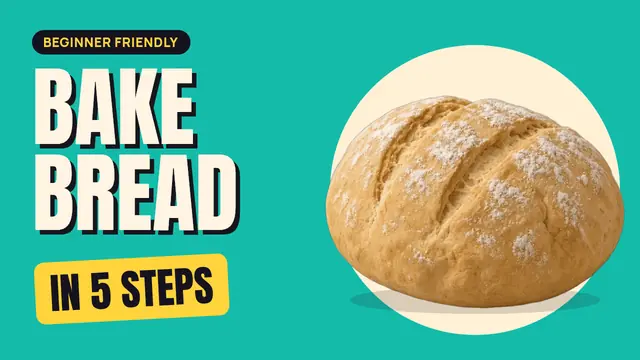 12:04
12:04Bake your first loaf in 5 easy steps
Crumb & Co. · sample
- 16:55
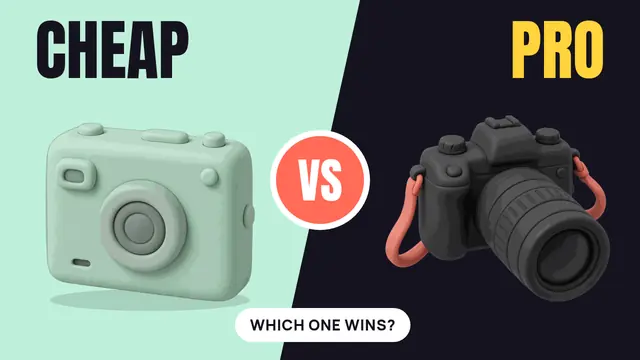
Cheap vs pro camera: which one wins?
Pocket Gear · sample
- 58:12
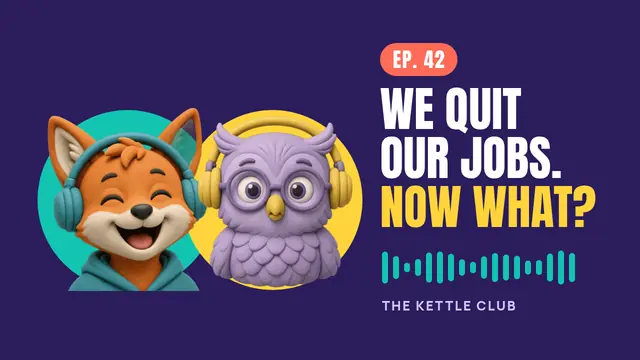
We quit our jobs. Now what? (Ep. 42)
The Kettle Club · sample
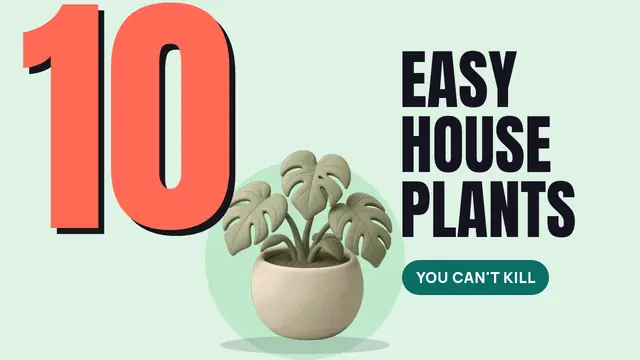 13:08
13:0810 easy houseplants you can’t kill
Leafy Lounge · sample
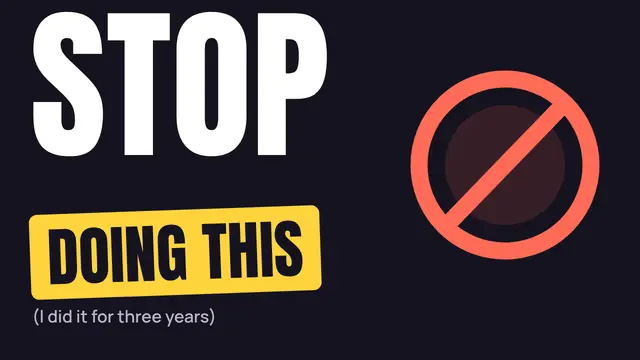 9:41
9:41Stop doing this when you edit your videos
Cut to Black · sample
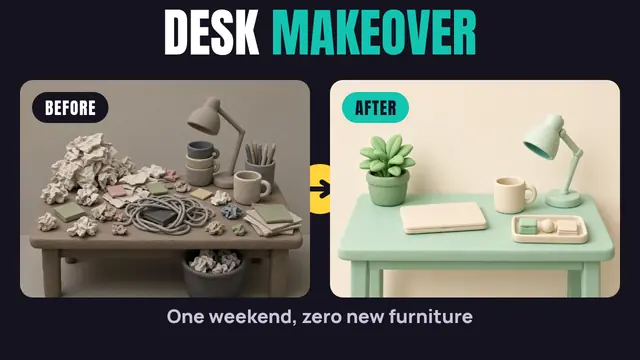 10:15
10:15Desk makeover in one weekend
Desk Diaries · sample
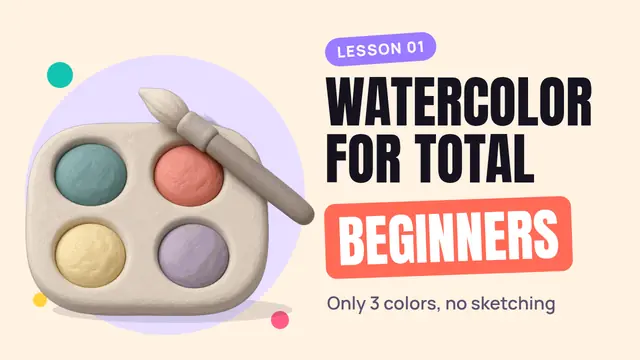 18:22
18:22Watercolor for total beginners: lesson 1
Wet Paper Studio
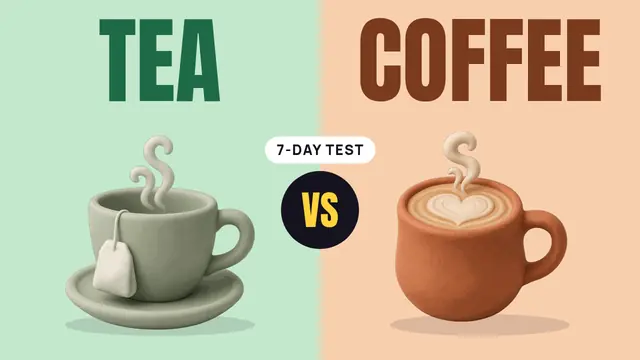 11:30
11:30Tea vs coffee: I switched for 7 days
Steep Thoughts
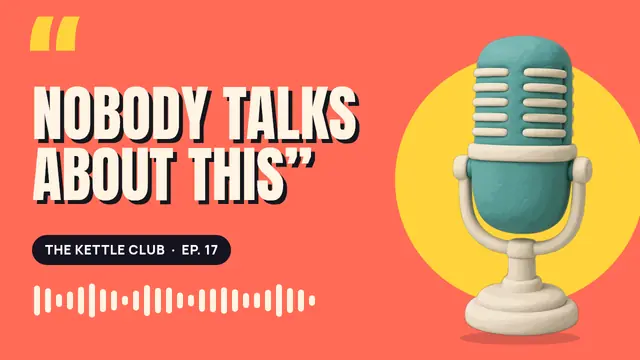 1:02:40
Nobody talks about this (Ep. 17)
The Kettle Club
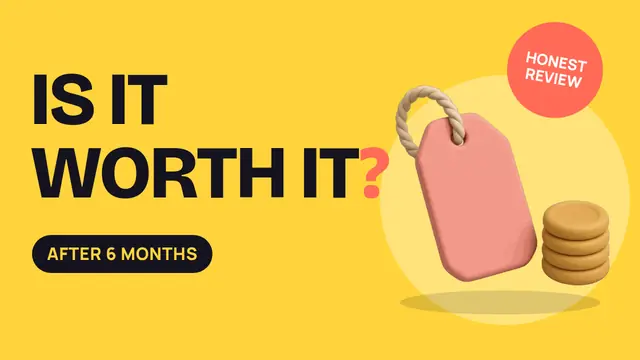 14:10
14:10Is it worth it? My honest 6-month review
Honest Hours
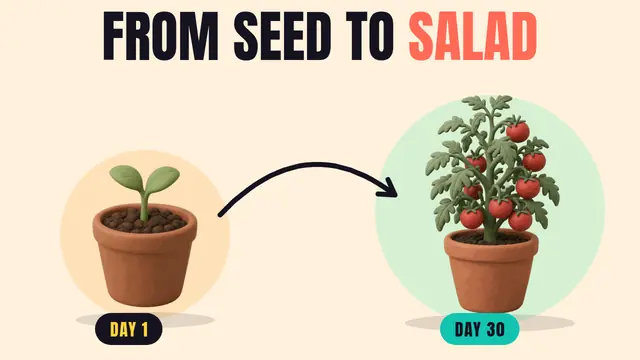 15:36
15:36From seed to salad in 30 days
Balcony Garden
- 8:47
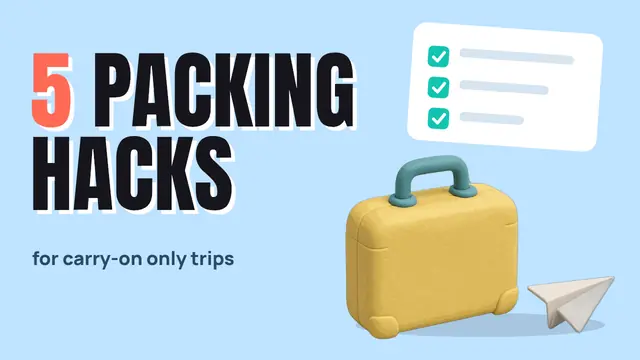
5 packing hacks for carry-on only trips
Carry-On Club
- 58:12
We quit our jobs. Now what? (Ep. 42)
The Kettle Club
- 12:04
Bake your first loaf in 5 easy steps
Crumb & Co.
- 16:55
Cheap vs pro camera: which one wins?
Pocket Gear
- 13:08
10 easy houseplants you can’t kill
Leafy Lounge
- 14:10
Is it worth it? My honest 6-month review
Honest Hours
- 15:36
From seed to salad in 30 days
Balcony Garden
The sample feed is a neutral mock-up for checking readability. Titles and channels are fictional. The bottom-right corner of every layout stays clear, because video sites cover it with the video length.
Three formats, one look.
Use whichever tool you already have. The slides, the SVGs and the PNGs are the same 12 designs.
-
Editable .pptx
12 slides at 1280 × 720 px. Live text, swappable pictures. Opens in PowerPoint, Keynote and Google Slides, and imports into Canva.
-
12 layered SVGs
Background, Shapes, Images and Text layers with live text. For Inkscape, Illustrator, Affinity or any SVG editor.
-
12 ready PNGs
Every layout exported at 1280 × 720, so you can see the target before you start editing.
-
Fonts included
Anton, Bricolage Grotesque and Manrope, all free under the SIL Open Font License. Install once, then everything lines up.
-
16 illustrations
14 clay objects and characters as transparent PNG cutouts, plus 2 desk scenes. Original art, no stock photos.
-
Quick-start guide
How to install the fonts, swap a picture, keep text readable small and export a 1280 × 720 PNG.
From layout to upload in three steps.
Install the three fonts from the fonts folder, then open Thumbs-Up-1280x720.pptx.
Click any word to retype it. Right-click a picture and choose Change Picture to swap it.
Export the current slide as PNG. In PowerPoint: File › Export; in Keynote: File › Export To › Images.
Upload the .pptx to Google Drive and open it with Google Slides.
If a font is missing, pick it from Font › More fonts: Anton, Bricolage Grotesque and Manrope are free Google Fonts.
Edit the words, then File › Download › PNG image for the current slide.
In Canva, choose Upload and select the .pptx. Each layout becomes an editable page.
Text stays editable. If Canva swaps a font, upload the font files as brand fonts (Canva Pro) or pick a close match.
Download each page as PNG. Check the result: imports can shift effects such as text shadows.
Install the fonts, then open any file from the svg folder in Inkscape, Illustrator or Affinity.
Each file has four layers: Background, Shapes, Images and Text. The text is live.
Export at 1280 × 720 px as PNG or JPG.
Rules built into every layout
Five words or fewer. Big type that still reads at 168 px wide.
One clear picture. A single object or character, cut out and placed large.
Bottom-right corner kept clear for the video length badge.
1280 × 720, 16:9. The size YouTube recommends for custom thumbnails.
Good questions.
Do I need Canva Pro?
No. The .pptx works in PowerPoint, Keynote and Google Slides, and the SVGs open in free editors such as Inkscape. Canva can import the .pptx too; uploading your own fonts there is a Canva Pro feature, otherwise pick the closest font from Canva’s library.
Can I use them for client channels?
Yes. Use the layouts and illustrations in thumbnails for your own videos and your clients’ videos. You can’t resell or share the templates or the illustrations themselves as a template pack.
Are the fonts free?
Yes. Anton, Bricolage Grotesque and Manrope are all under the SIL Open Font License. The font files and licenses are in the download.
Can I change the pictures?
Yes. In PowerPoint or Keynote right-click a picture and choose Change Picture. In the SVGs, replace the image in the Images layer. Transparent PNG cutouts work best.
Is this made by YouTube?
No. Thumbs Up is an independent template kit by Templates.party and isn’t affiliated with, endorsed by or sponsored by YouTube or Google. YouTube is a trademark of Google LLC.
How much does it cost?
Pay what you want, from €0. If it saves you an afternoon, a few euros keeps new templates coming.
Your next upload deserves a better first frame.
Pay what you want, from €0. PowerPoint, layered SVG, PNG, fonts and illustrations in one download.