
Class project slides
A project deck that's fun to present.
Fifteen pastel slides that walk students from a question to a conclusion, with notes on every slide that say what to write.
PowerPoint · Google Slides · printable PDF



How it works
Five steps, one great project.
The slides follow the steps teachers look for, so nothing gets left out.
-

Step 1 · Slides 1–4
Ask
Pick a question you can answer by watching or measuring.
-

Step 2 · Slide 5
Predict
Write your hypothesis: "We think… because…".
-
Step 3 · Slides 6–8
Test
List materials and steps so anyone could repeat it.
-
Step 4 · Slides 9–11
Count
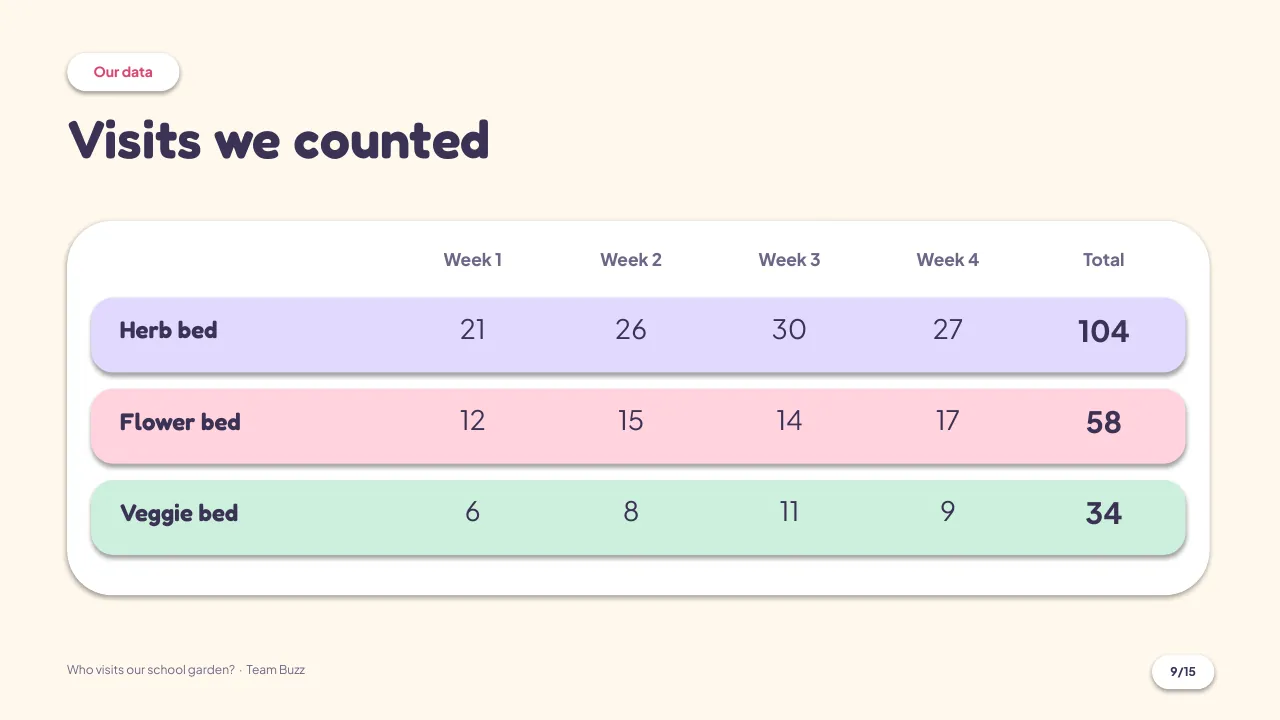
Show your numbers in a table and an editable chart.
-

Step 5 · Slides 12–15
Share
Say what you learned, what surprised you, and what's next.
Every slide
Flip through all 15.
Shown with the sample project "Who visits our school garden?". Swap in your own question, pictures and numbers.

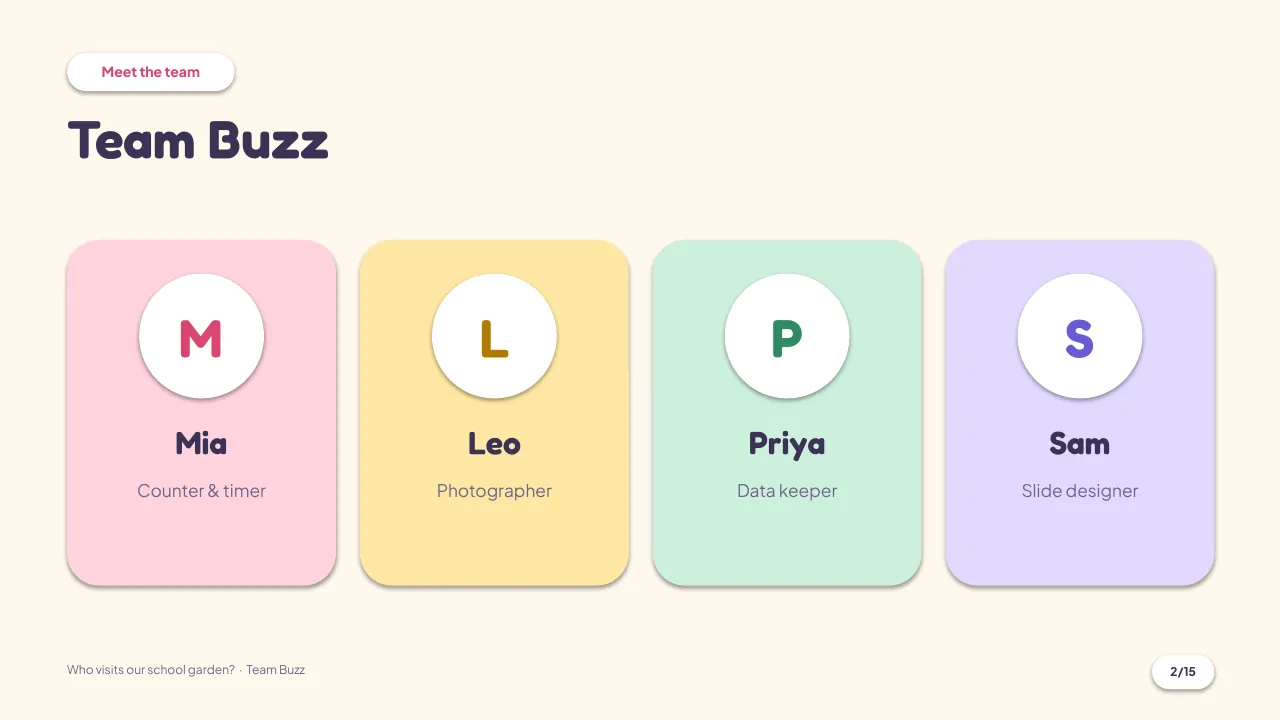

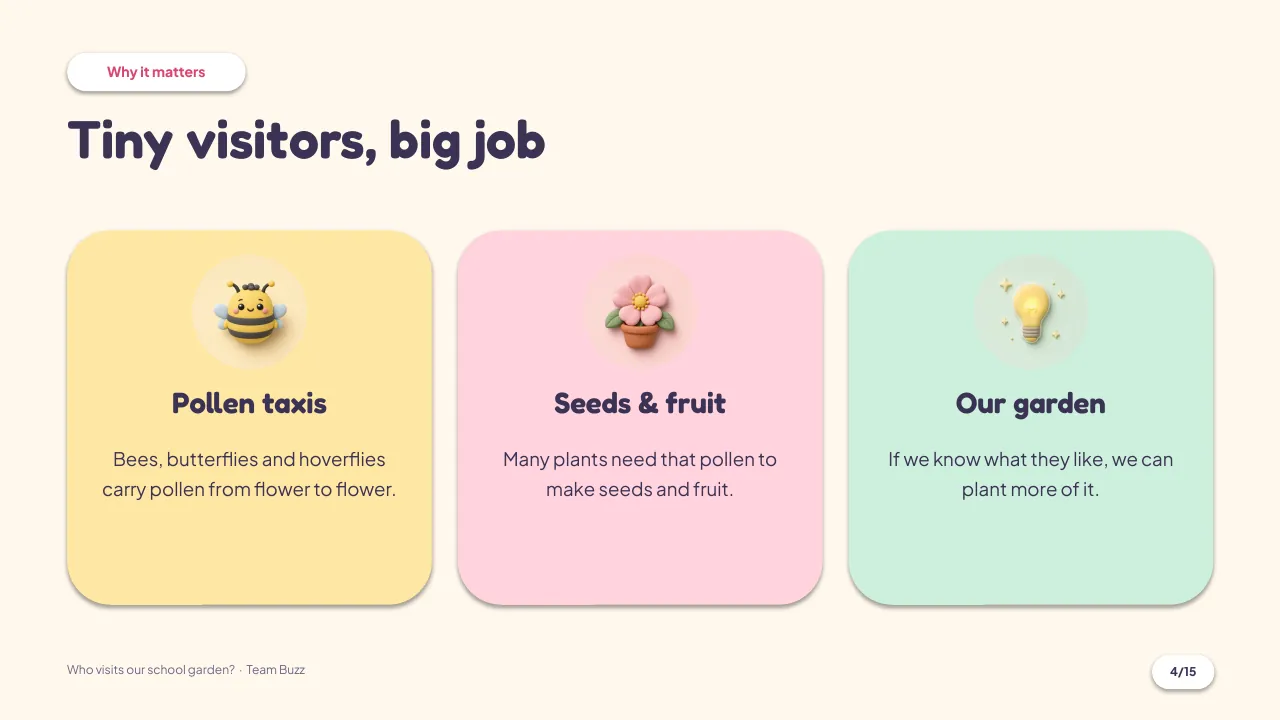
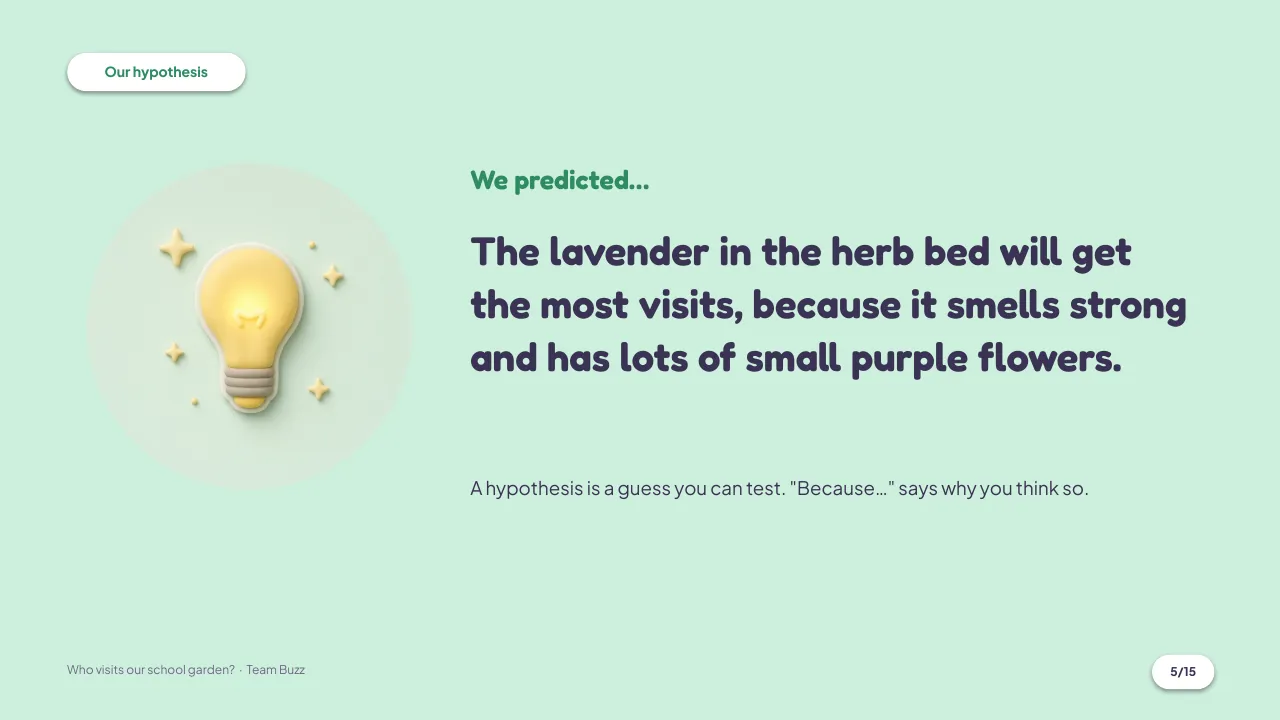
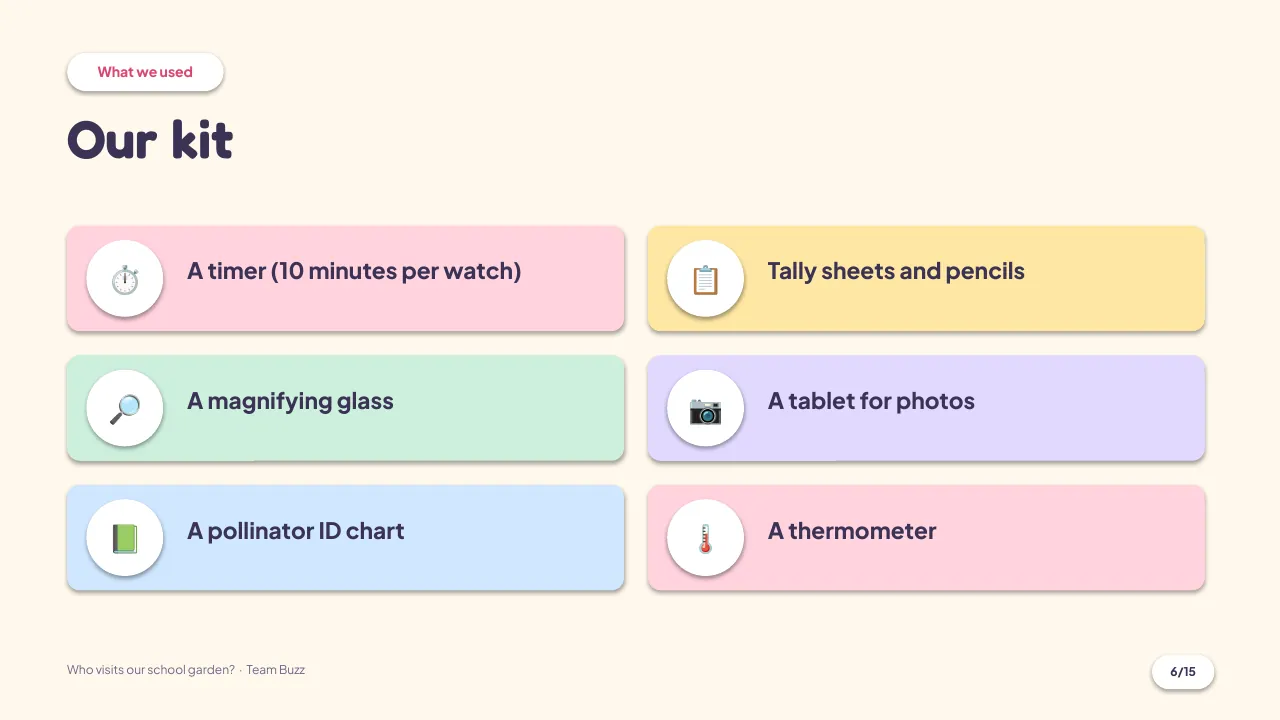
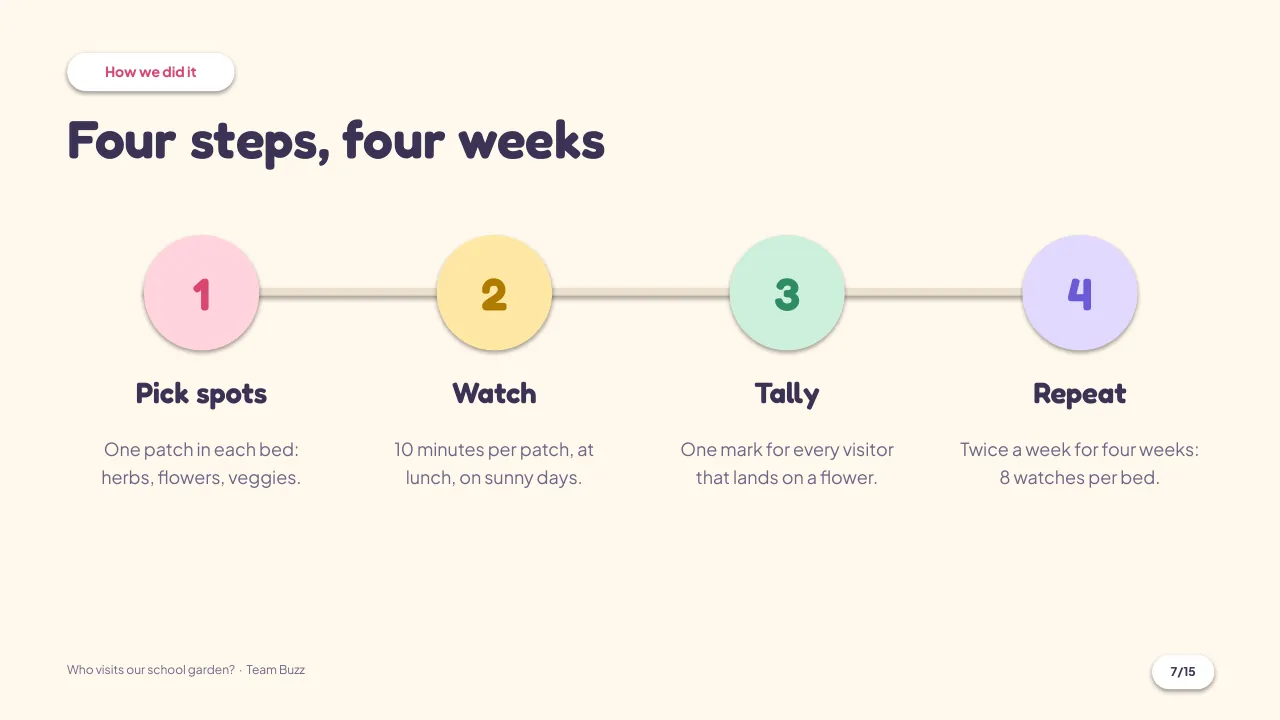
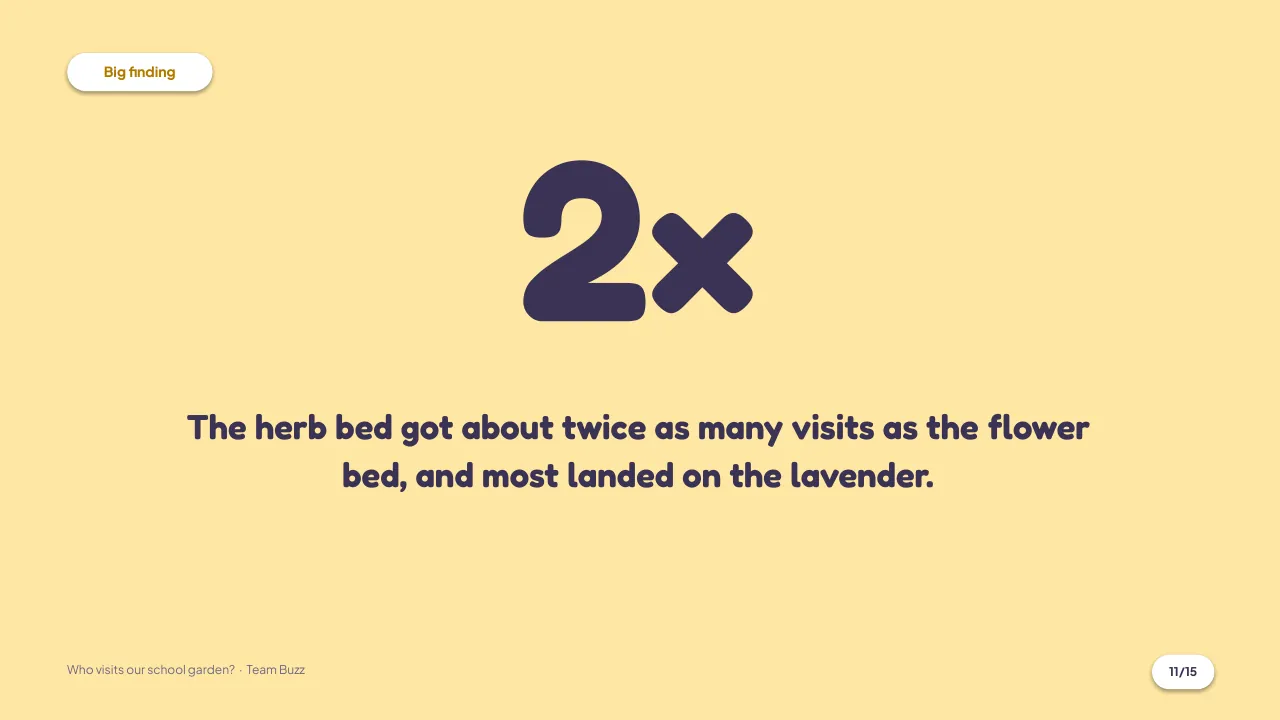
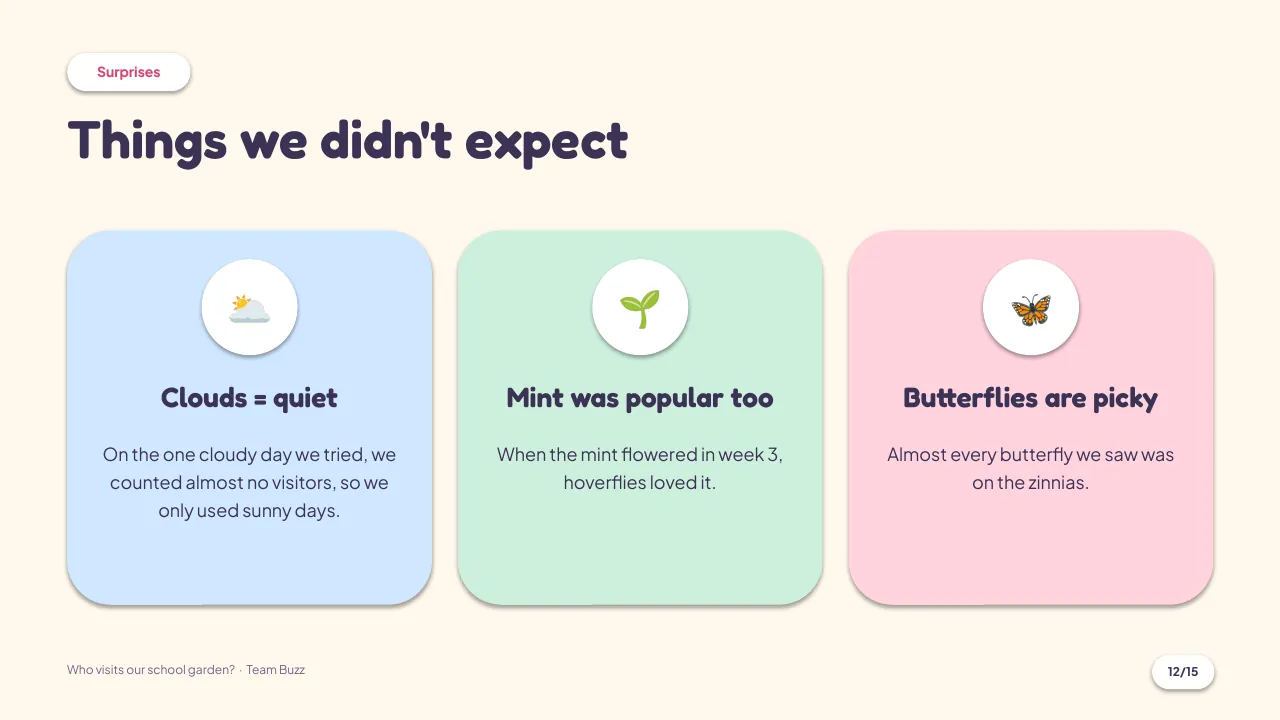
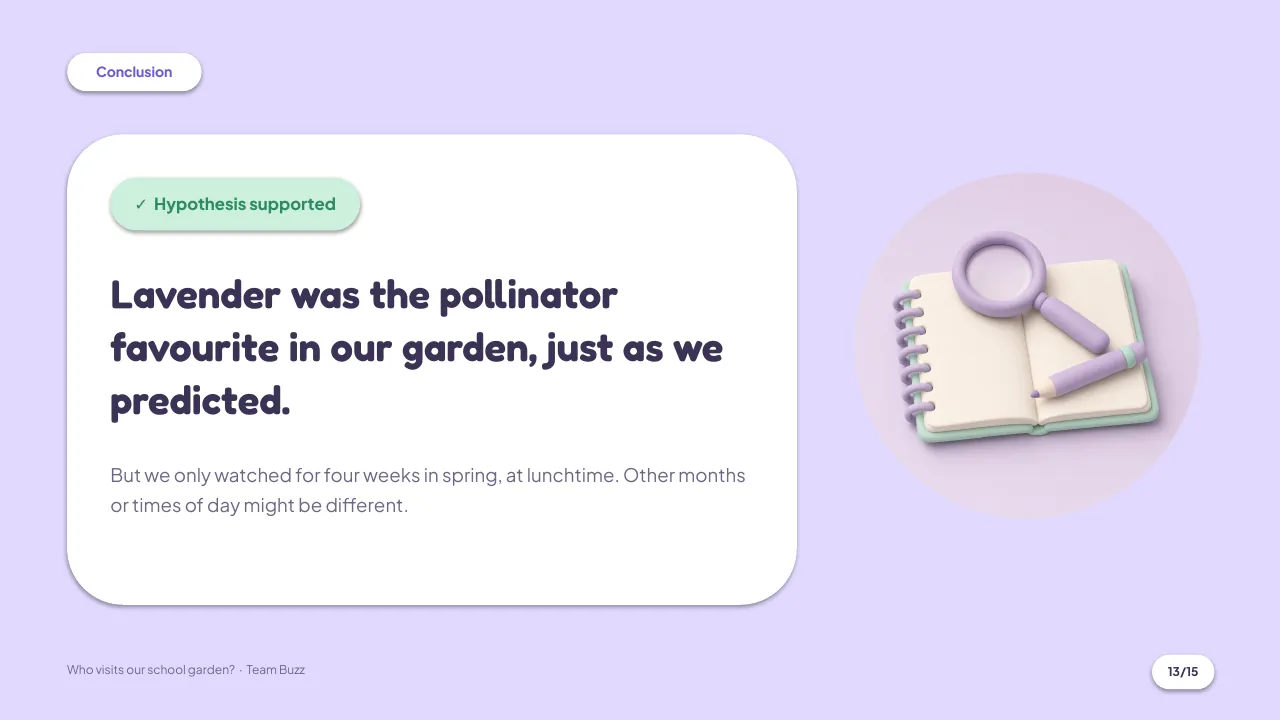
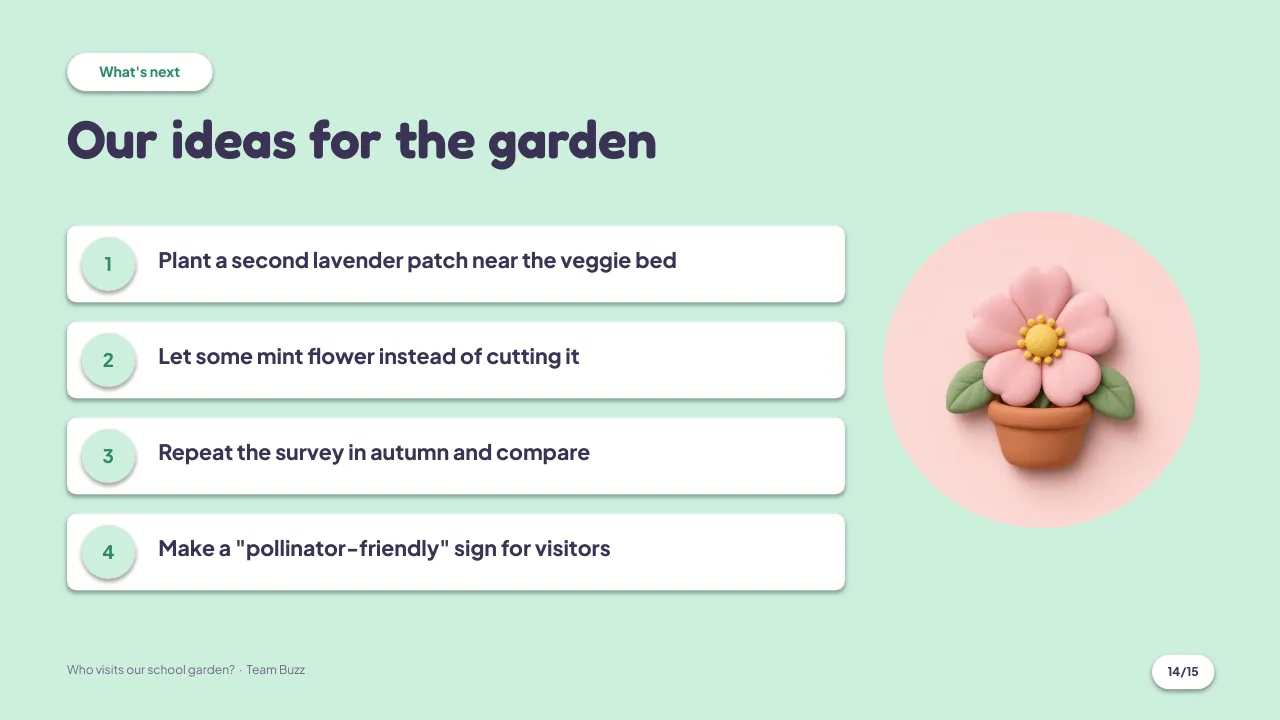

1 of 15 Title: your question, team name and class
What's inside
Made for real classrooms.
Big, readable text
Titles and labels sized so the back row can read them.
An editable chart
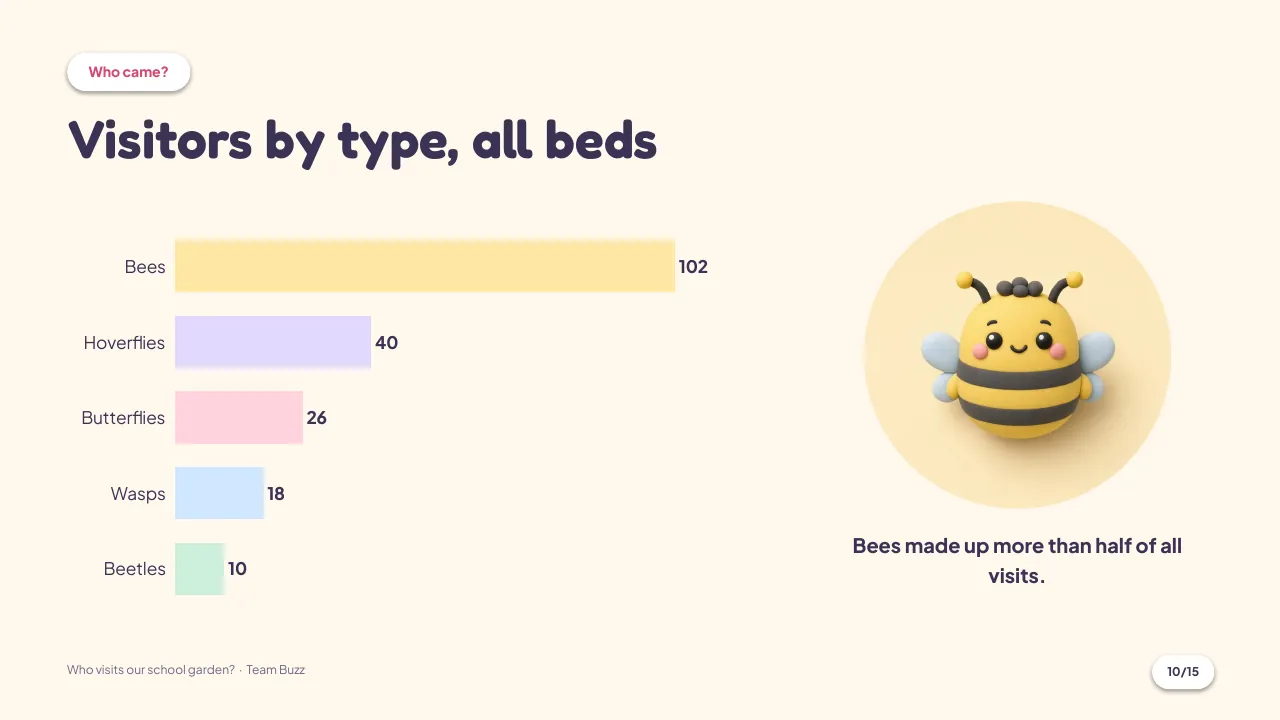
A real PowerPoint bar chart: right-click, Edit Data, type your numbers.
Notes on every slide
Speaker notes tell you what to put on each slide, in kid-friendly words.
Swap any sticker
Right-click a picture and choose Change Picture to use your own drawing or photo.
Shapes you can move
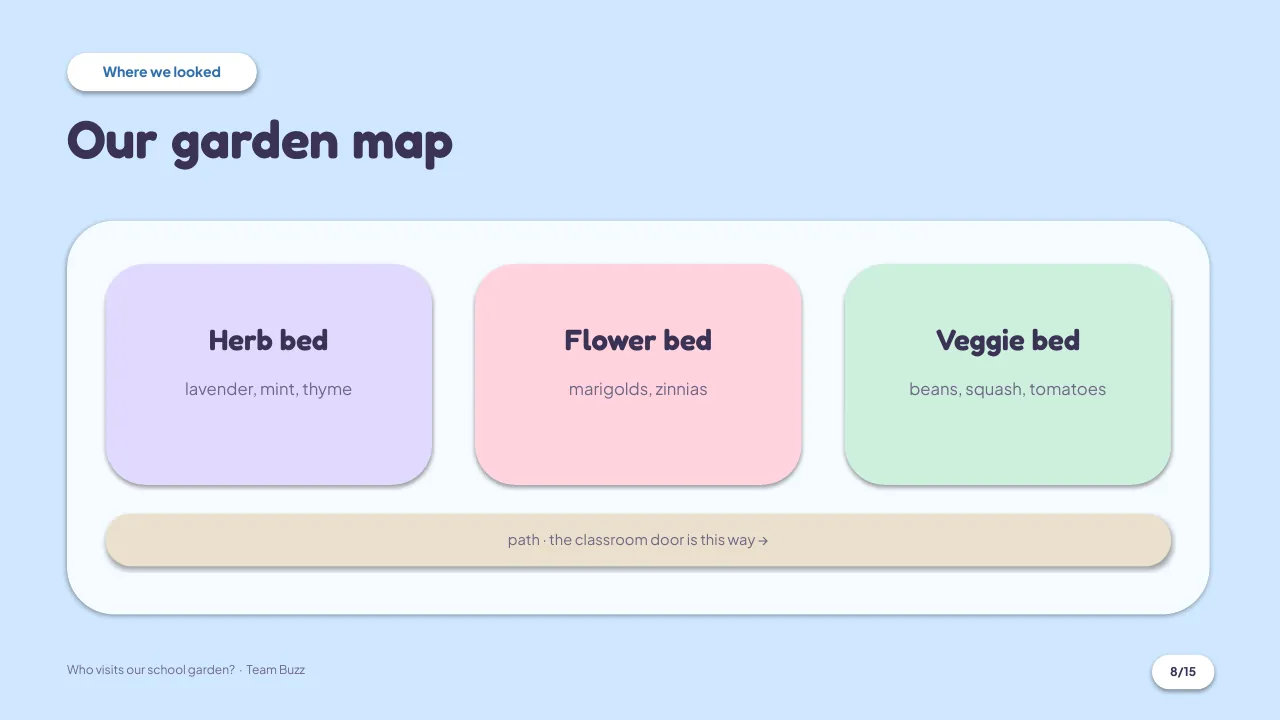
The garden map is built from shapes: drag, resize and rename them.
Printable PDF
A PDF copy of the deck for printing handouts or a poster.
In Google Slides the bar chart becomes a picture. Edit it in the linked sheet, or rebuild it with Insert > Chart. Everything else stays editable.
From the speaker notes
Ready to present?
Tick the boxes. The notes in the deck explain each one.
0 of 5 done
Questions
What do I get?
An editable 15-slide deck (.pptx, 16:9) with speaker notes on every slide, a PDF copy, the two fonts with their licenses, and a README with tips for students, parents and teachers. You download the files right after checkout.
Does it work in Google Slides?
Yes. Upload the .pptx to Google Drive and open it with Google Slides. One thing changes: Google Slides turns the bar chart into a picture. Edit it in the linked sheet, or make a new chart with Insert > Chart.
What ages is it for?
It is written for upper primary and middle school projects, roughly ages 9 to 14, but the structure works for any science fair or class research project.
Is the pollinator survey real?
No. Team Buzz, Class 5B and every number in the deck are made-up sample content so you can see a finished project. Replace them with your own question and data.
Which fonts does it use?
Fredoka and Plus Jakarta Sans, both free under the SIL Open Font License. They are included in the download, and both are available in Google Slides.
Can a teacher use it with a whole class?
Yes. A teacher can share copies with their own students for class projects. Please don't repost the template files publicly or sell them. The LICENSE file has the details.
How much does it cost?
Pay what you want, from €0, with €5 suggested. The files are the same whatever you pay.