
Quiz Night
A trivia game you host from your slides: three rounds, a clickable category board, a timer, scoreboards and a winners podium. No macros.
- PowerPoint .pptx
- Keynote
- Google Slides
- Host PDF



Play a round right here.
The same questions as the deck. Tap an answer, keep score for four teams, run the 30-second timer and open the category board.
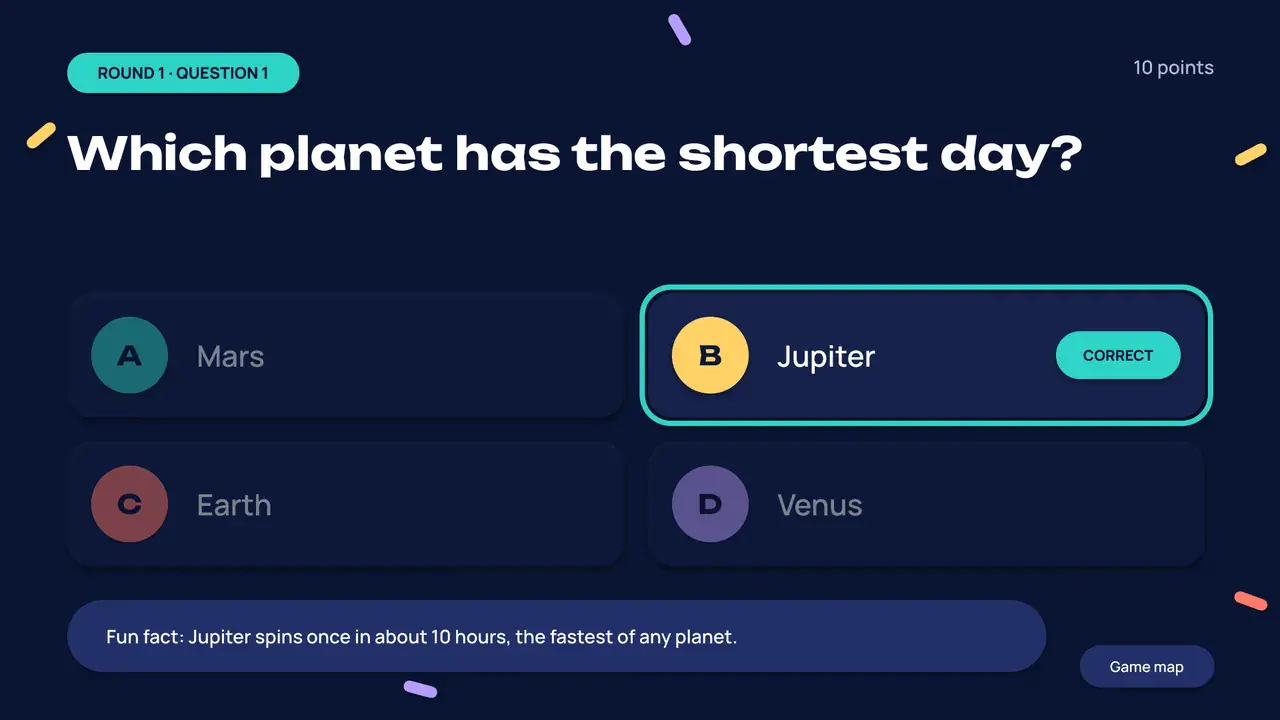
Which planet has the shortest day?
Fun fact: Jupiter spins once in about 10 hours, the fastest of any planet.
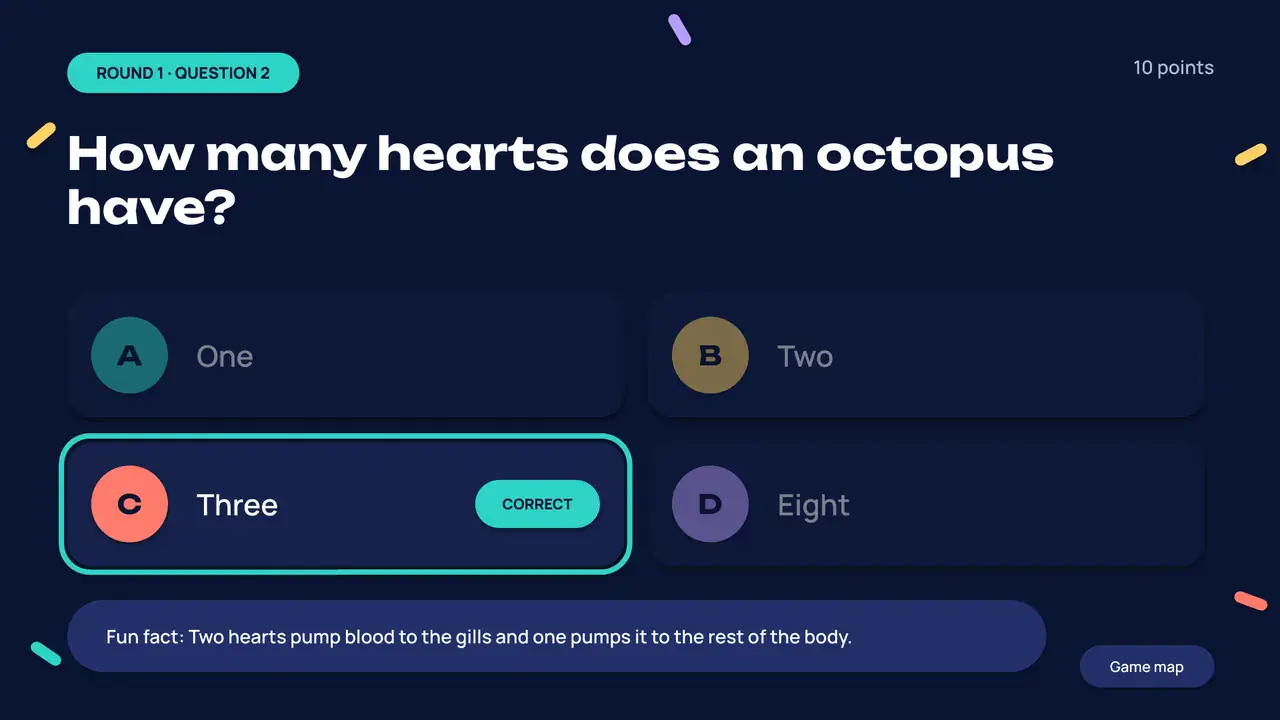
How many hearts does an octopus have?
Fun fact: Two hearts pump blood to the gills and one pumps it to the rest of the body.
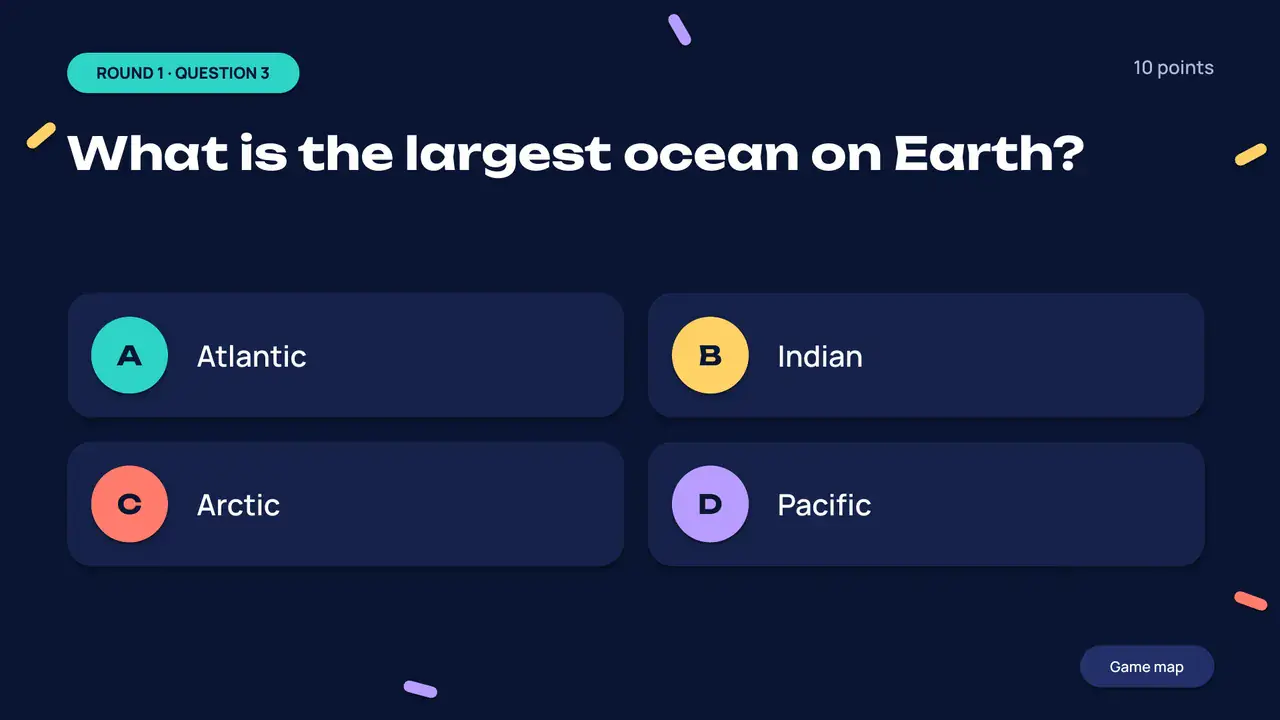
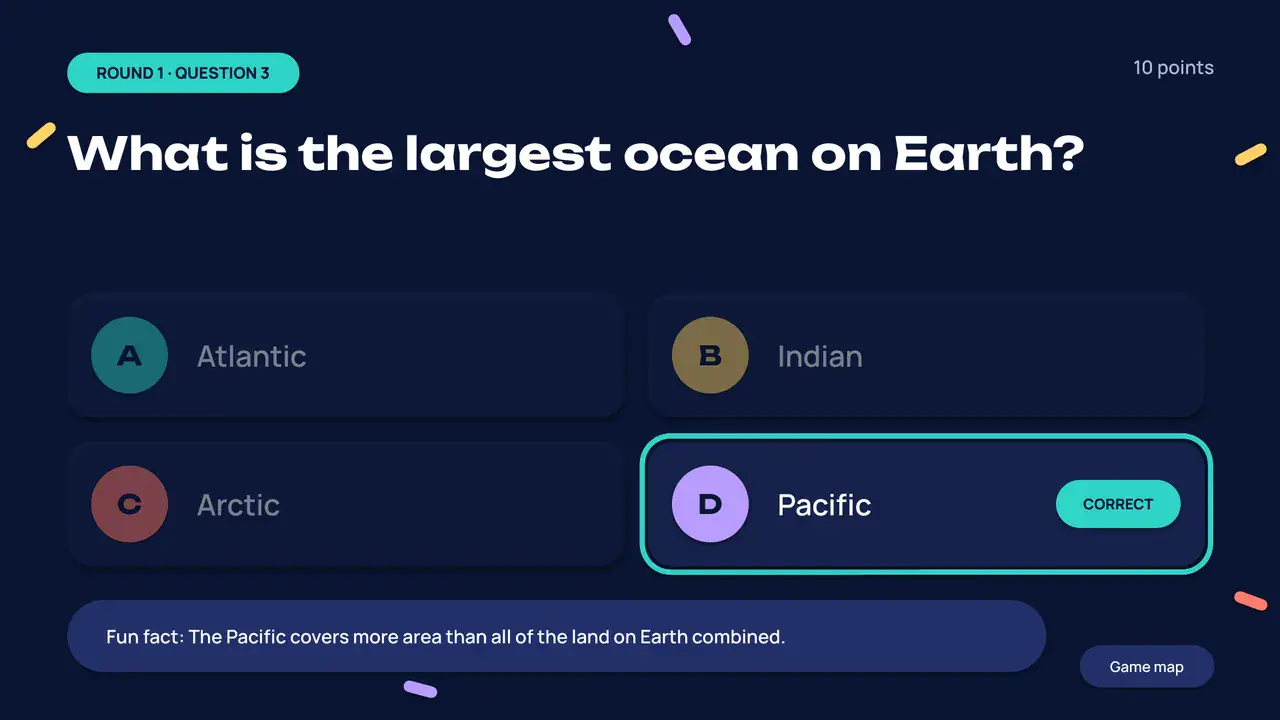
What is the largest ocean on Earth?
Fun fact: The Pacific covers more area than all of the land on Earth combined.
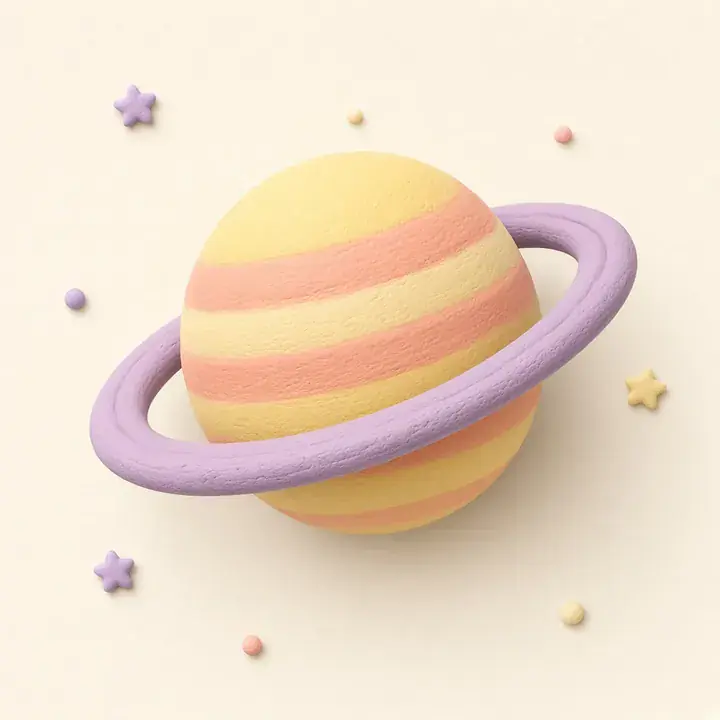
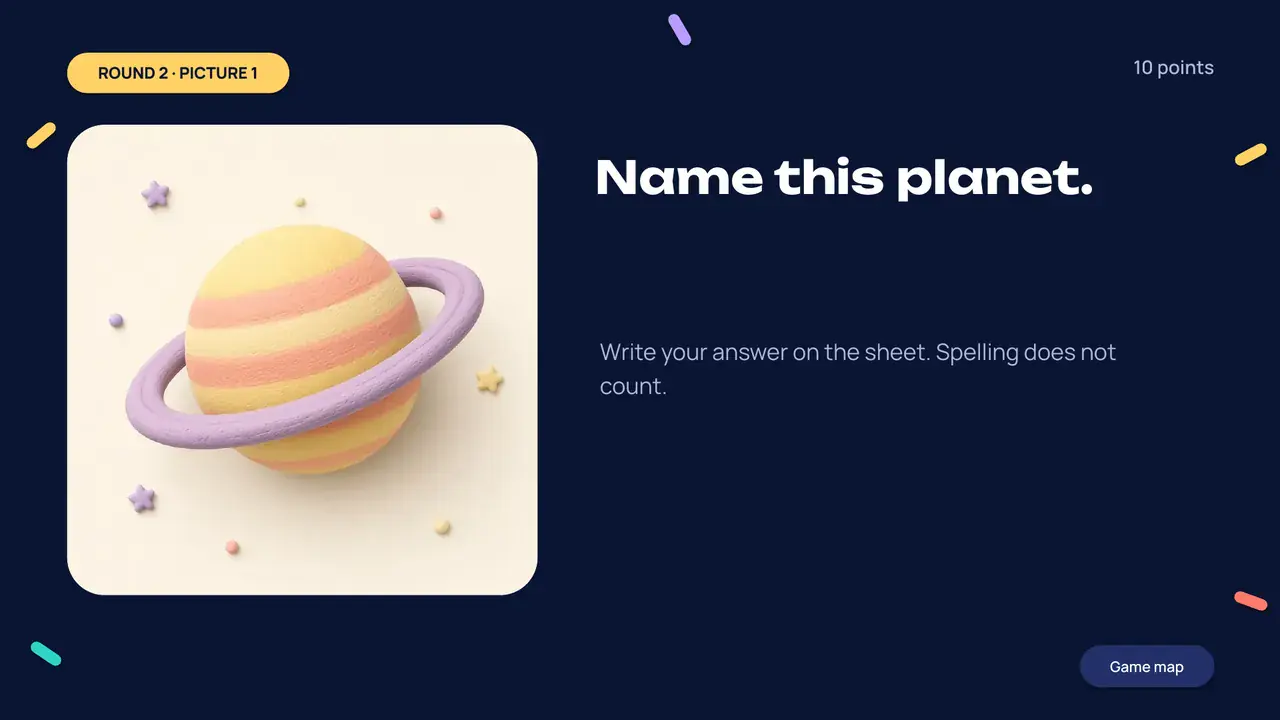
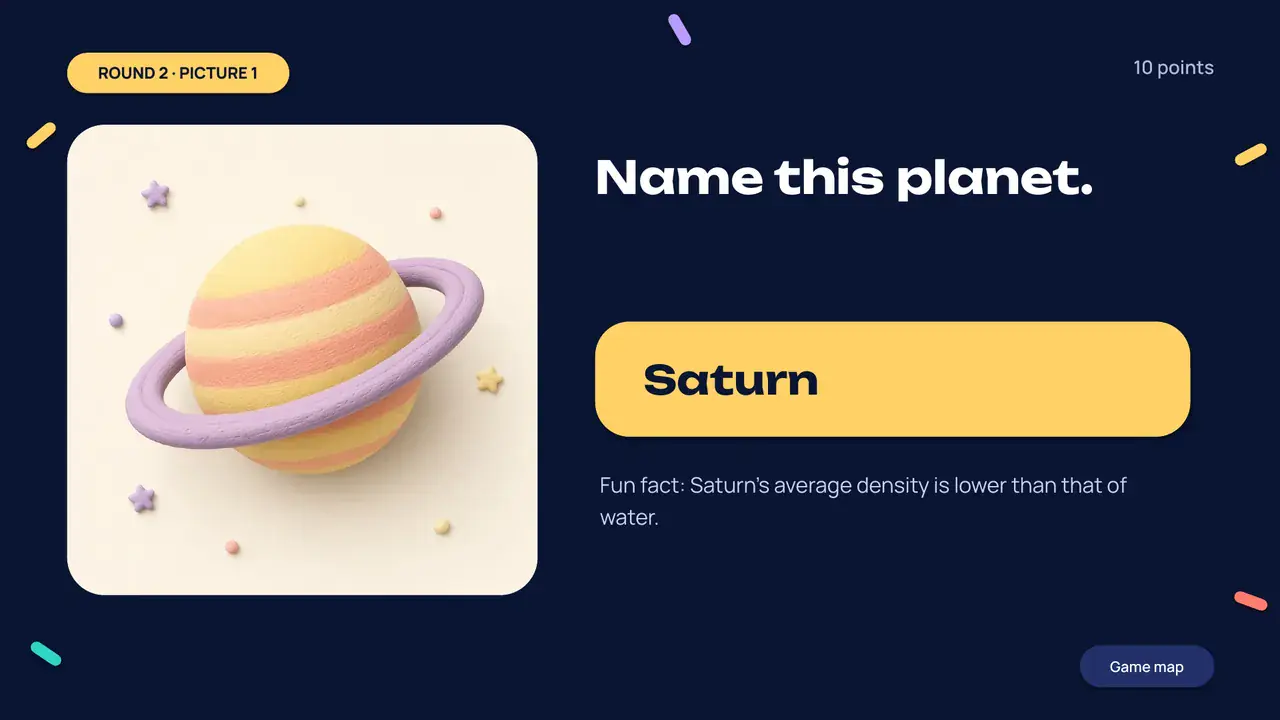
Name this planet.
In the deck, teams write the answer down. Here, pick one.
Fun fact: Saturn’s average density is lower than that of water.
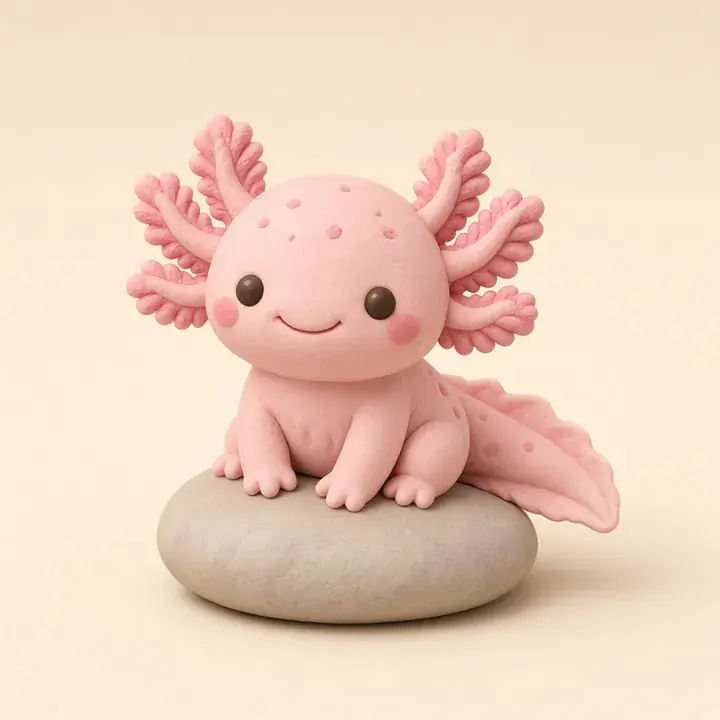
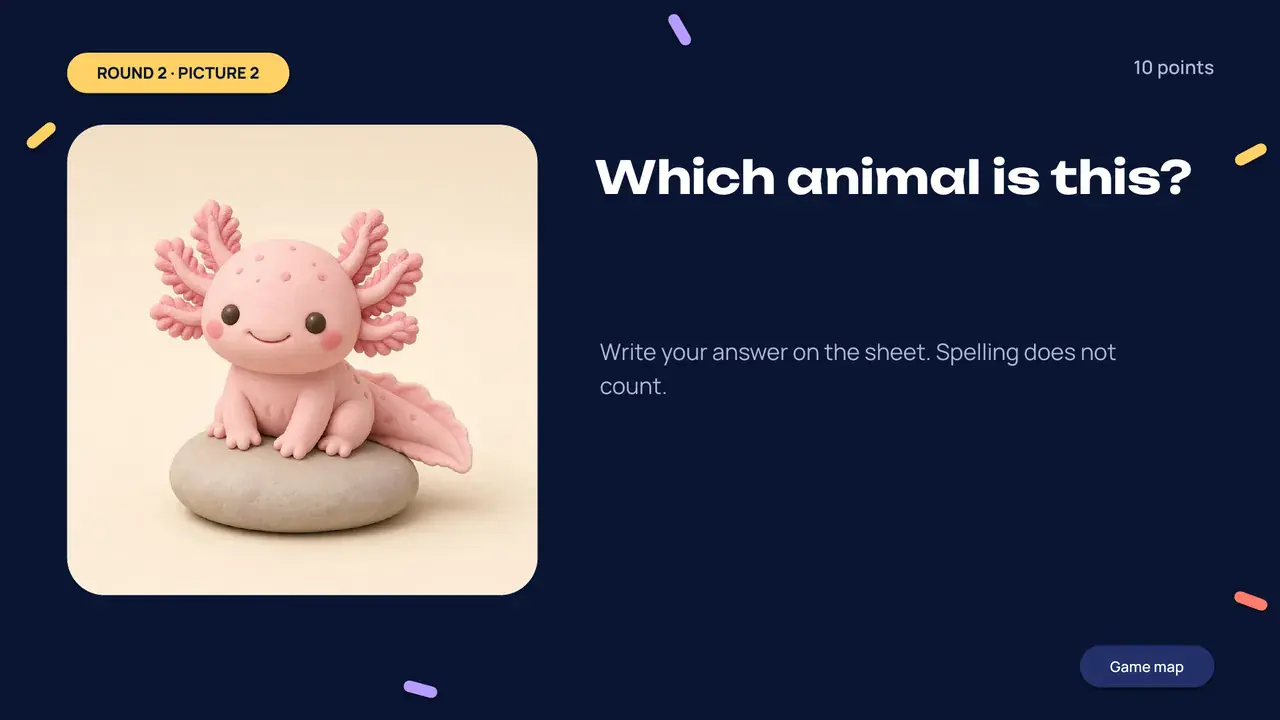
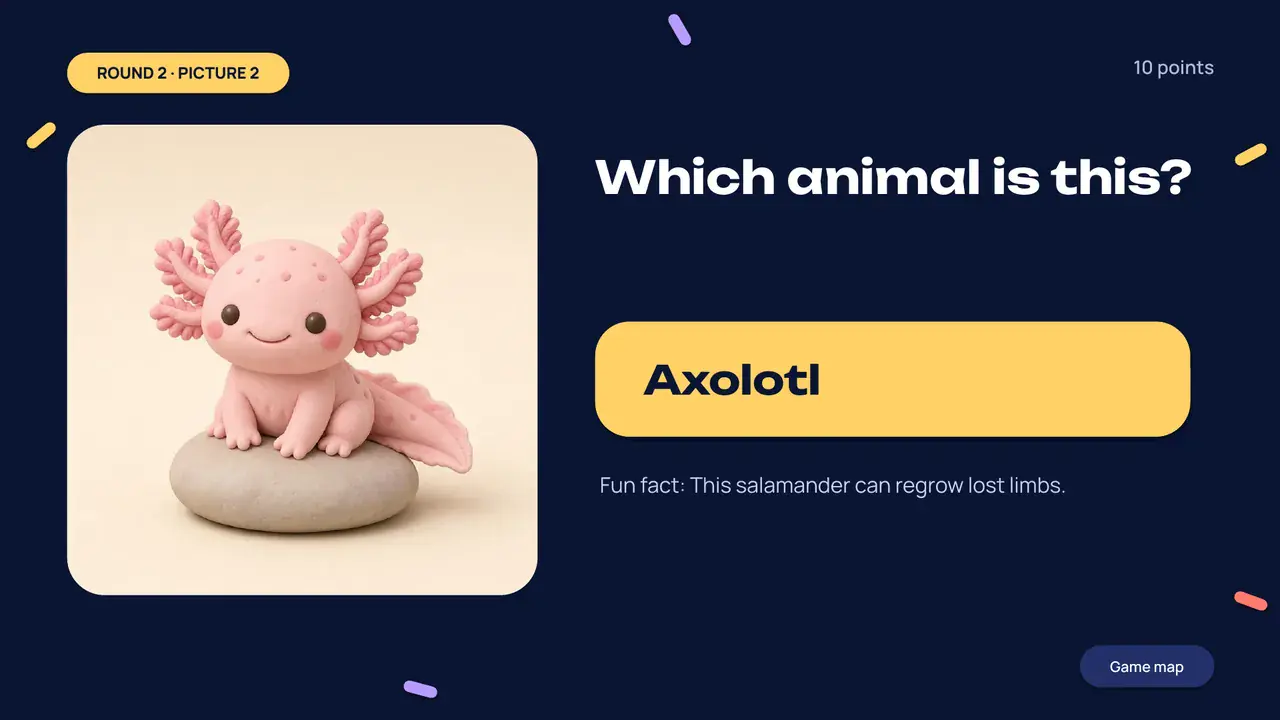
Which animal is this?
In the deck, teams write the answer down. Here, pick one.
Fun fact: This salamander can regrow lost limbs.
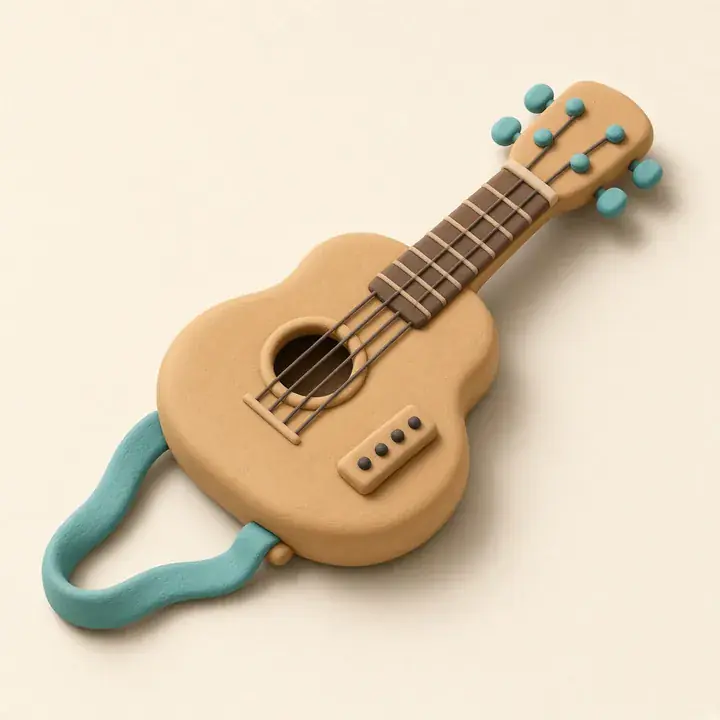
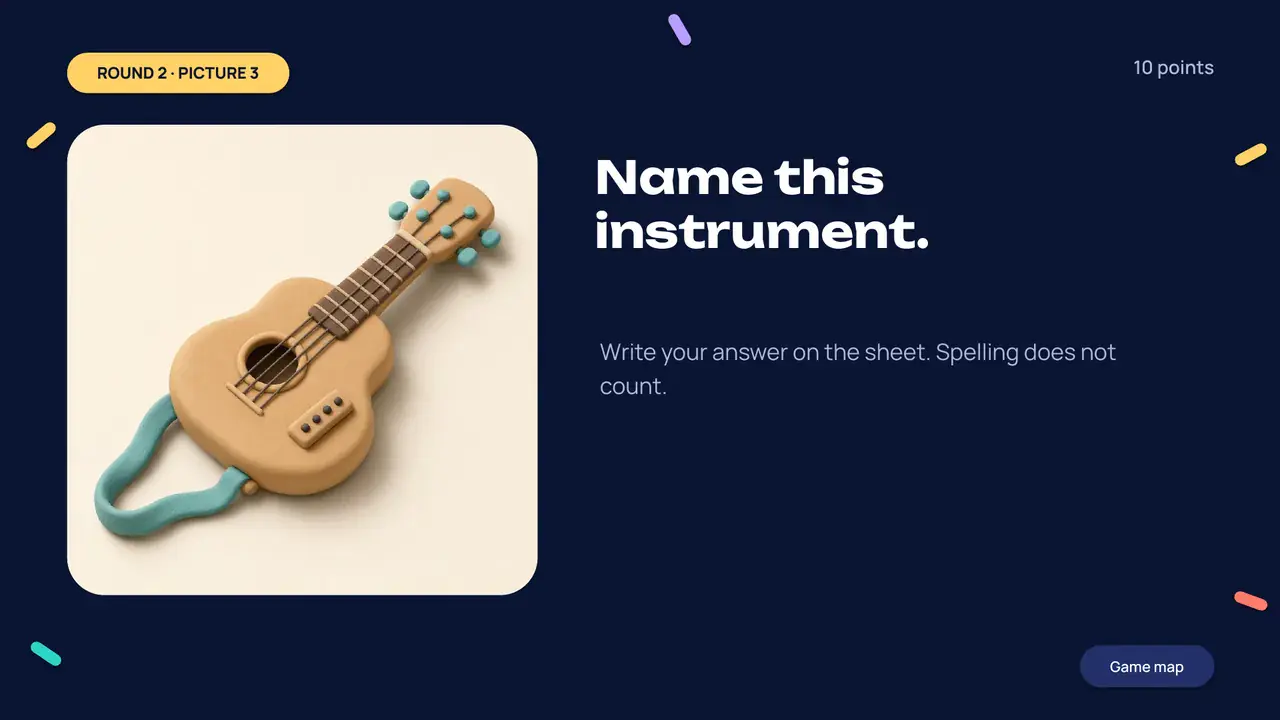
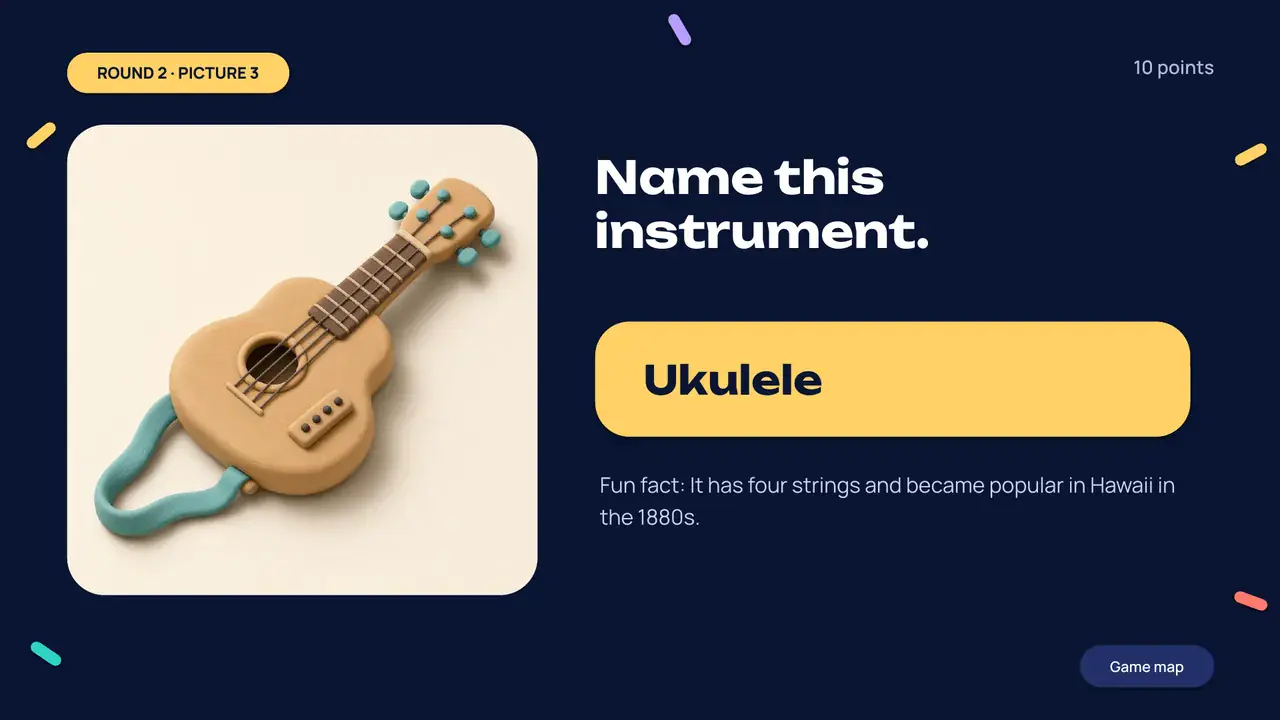
Name this instrument.
In the deck, teams write the answer down. Here, pick one.
Fun fact: It has four strings and became popular in Hawaii in the 1880s.
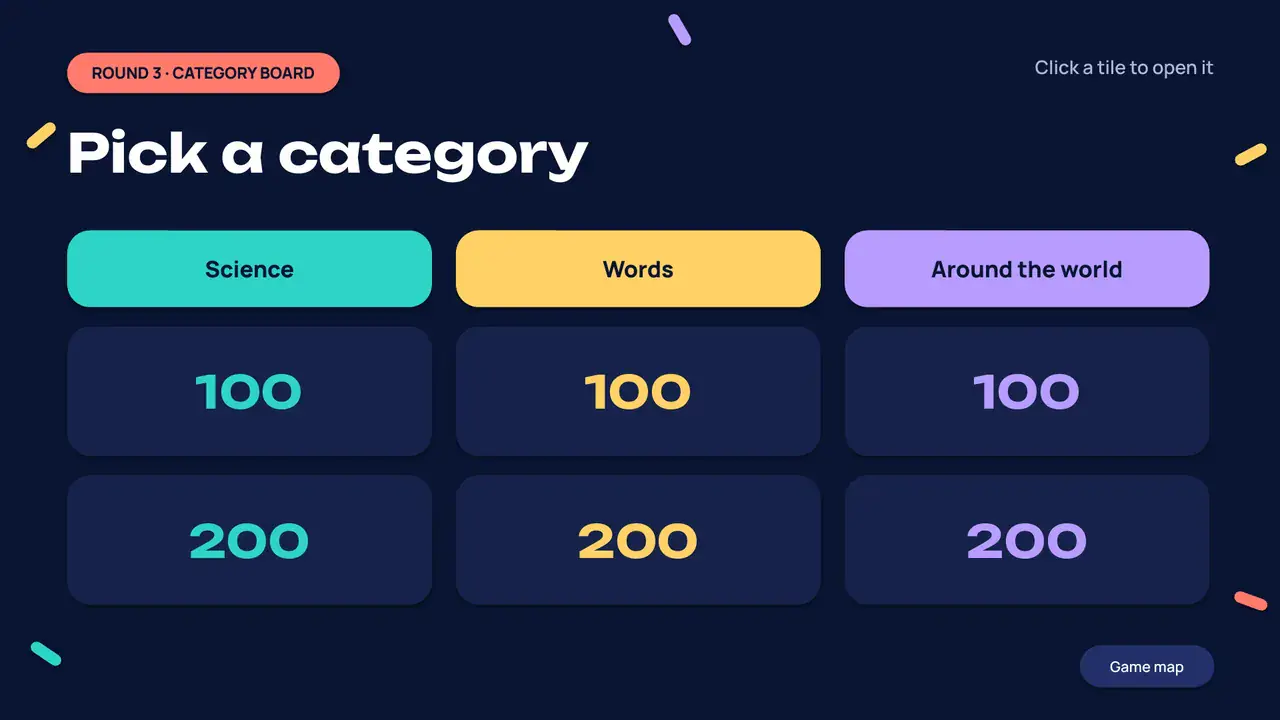
Pick a category
Each tile opens its question. Used tiles dim, like crossing them off on the night.
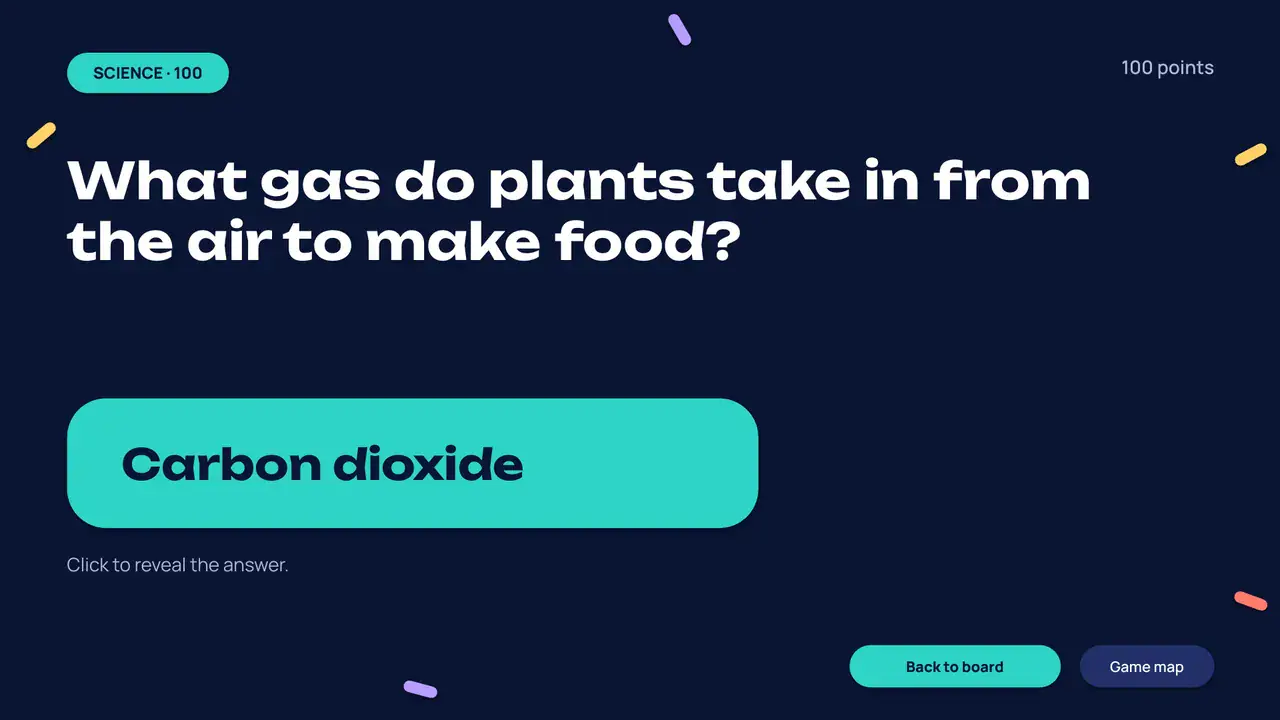
What gas do plants take in from the air to make food?
Carbon dioxide
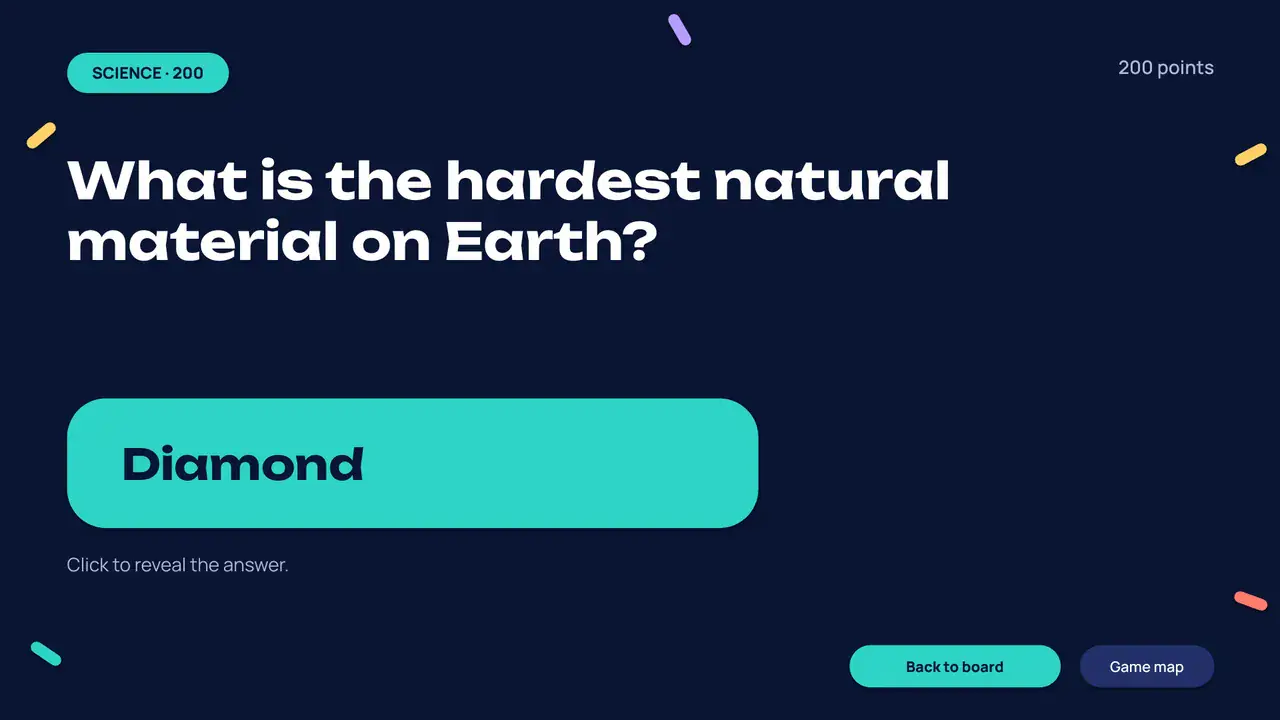
What is the hardest natural material on Earth?
Diamond
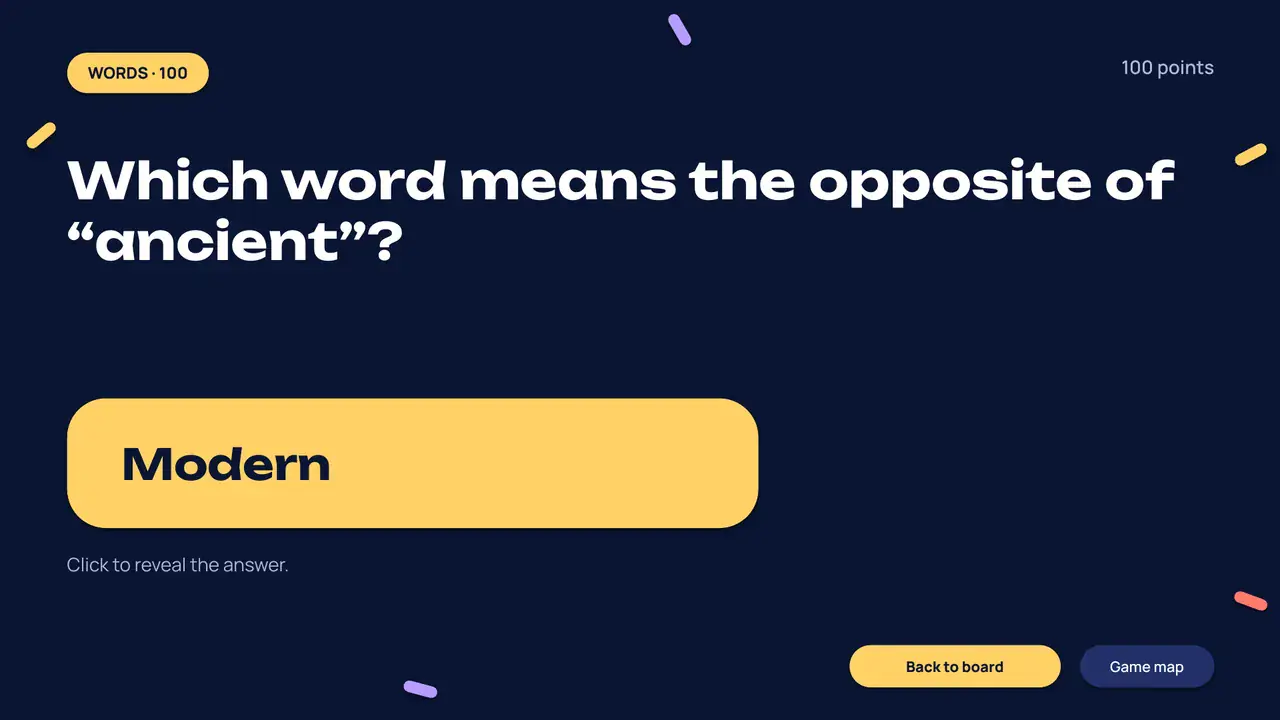
Which word means the opposite of “ancient”?
Modern
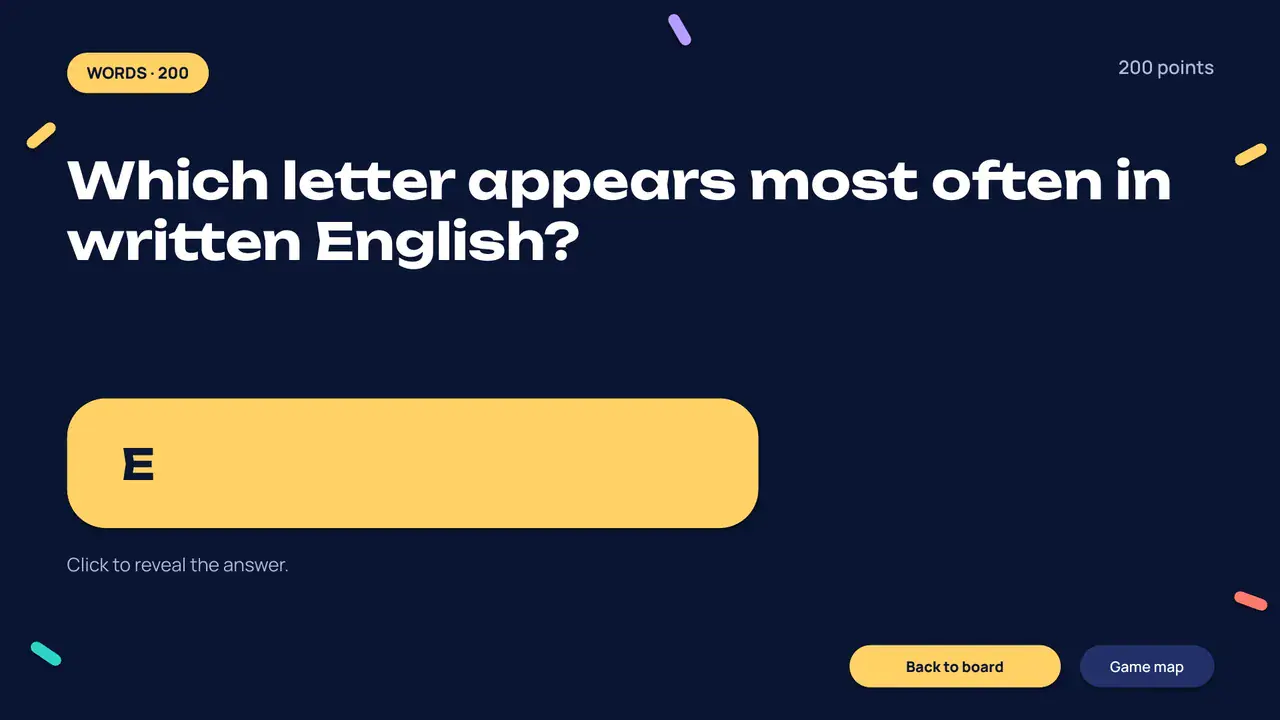
Which letter appears most often in written English?
E
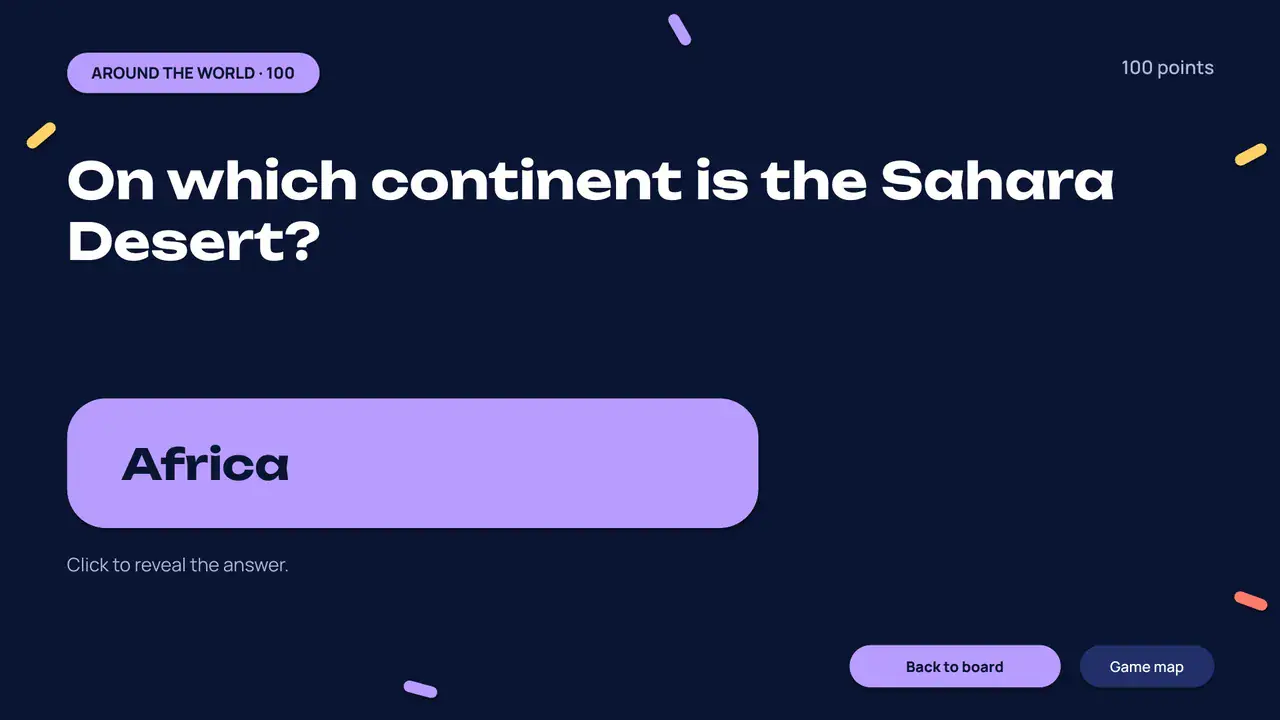
On which continent is the Sahara Desert?
Africa
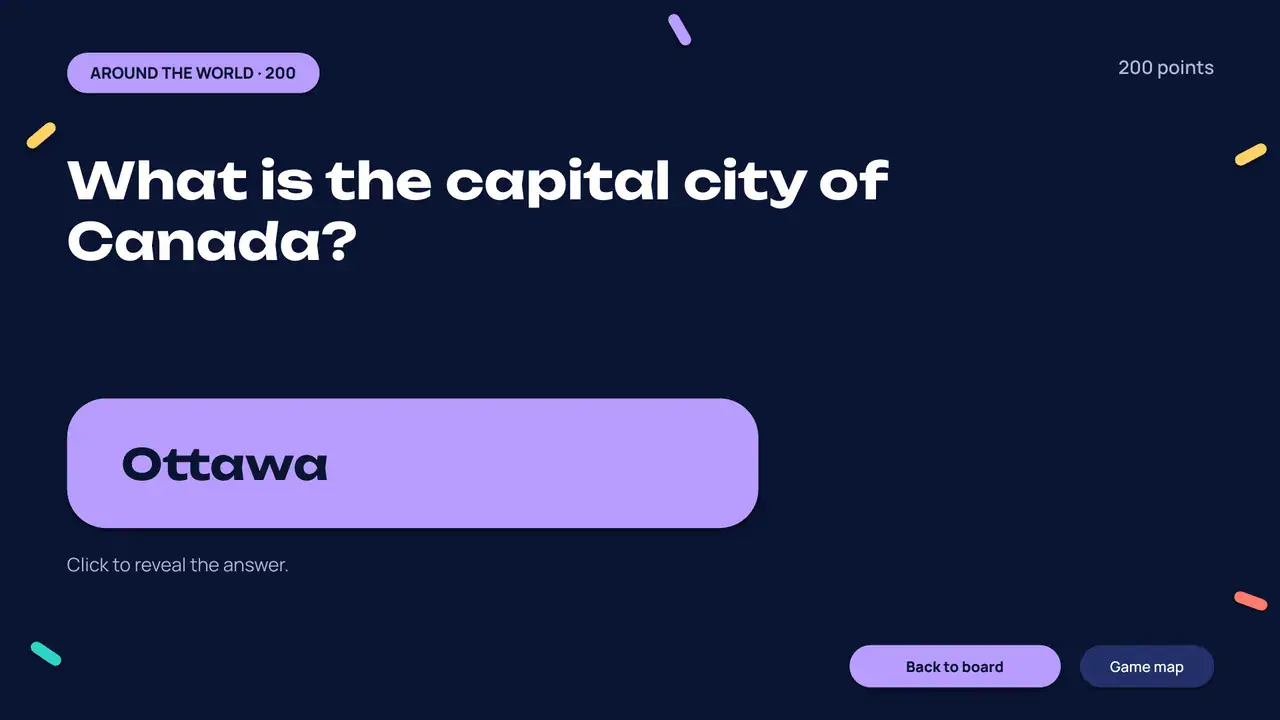
What is the capital city of Canada?
Ottawa
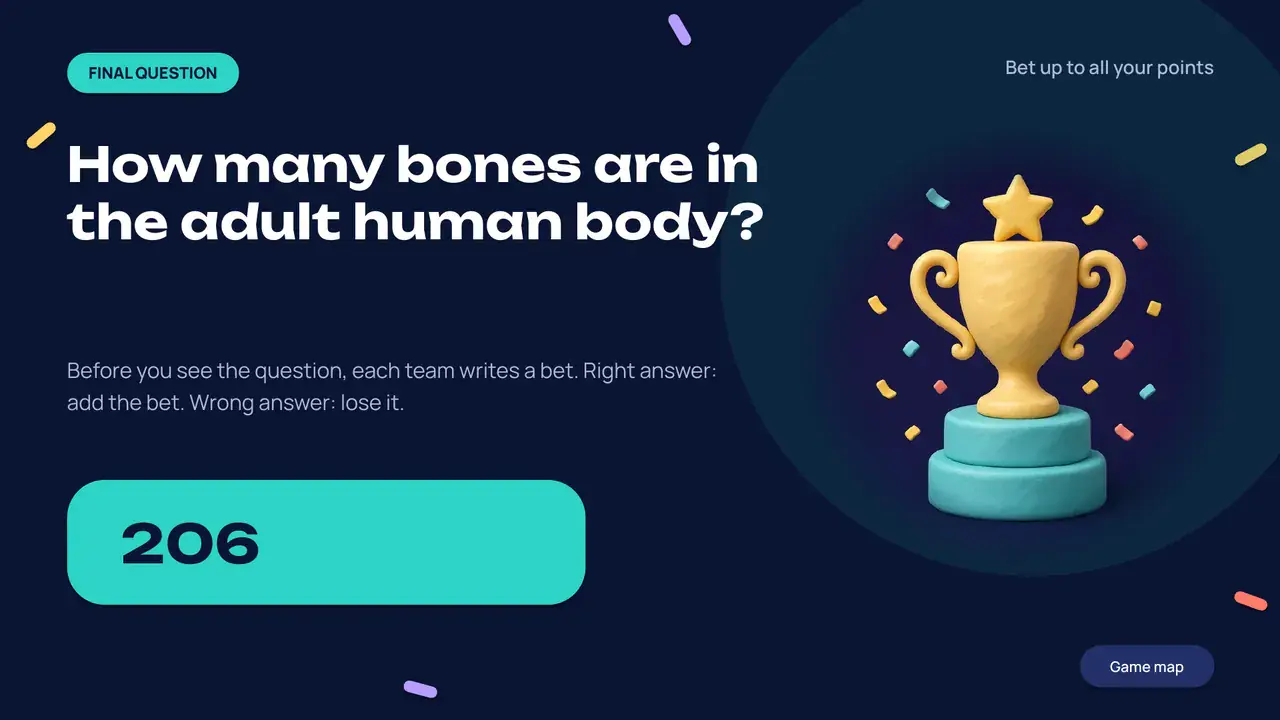
How many bones are in the adult human body?
Teams write a bet before you read the question. Right answers win the bet, wrong answers lose it.
206
The podium
Filled from the scoreboard. In the deck, third, second and first appear on three clicks.
—0
—0
—0
Question 1 of 9
Scoreboard
+/− 10 pts- The Know-It-Owls
- Smarty Plants
- The Fact Pack
- Pun Intended
30-second timer
30
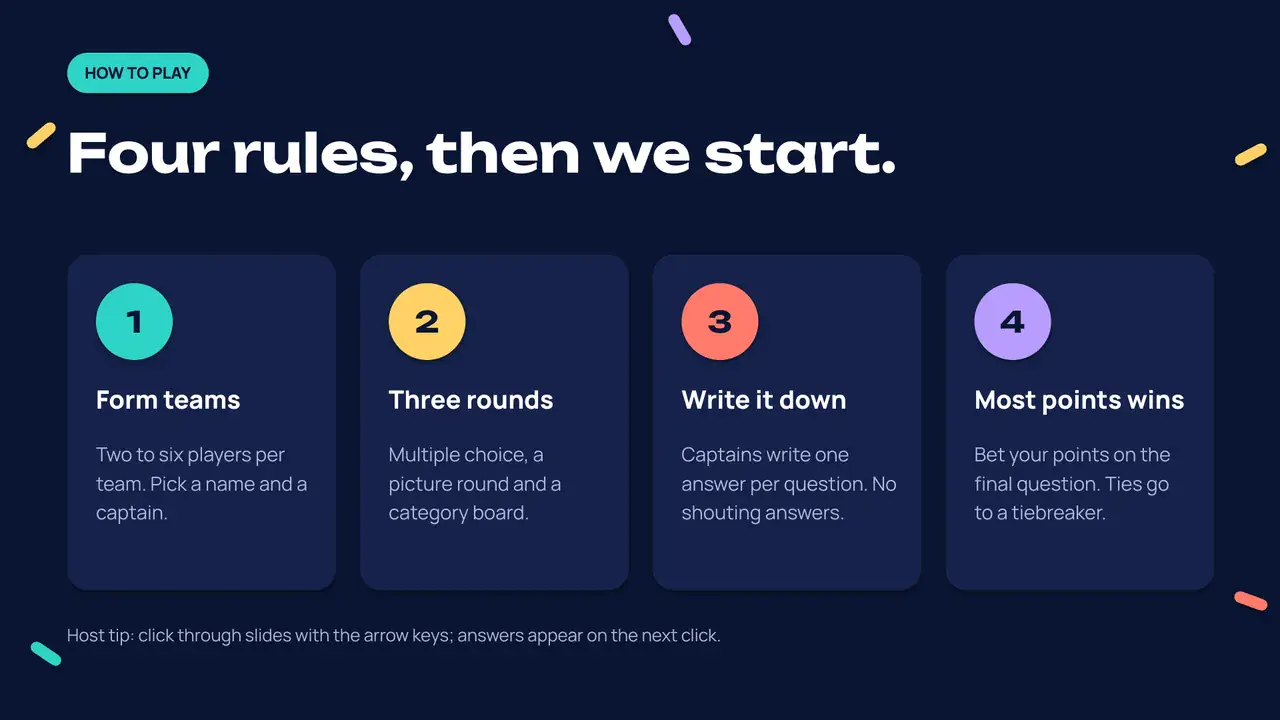
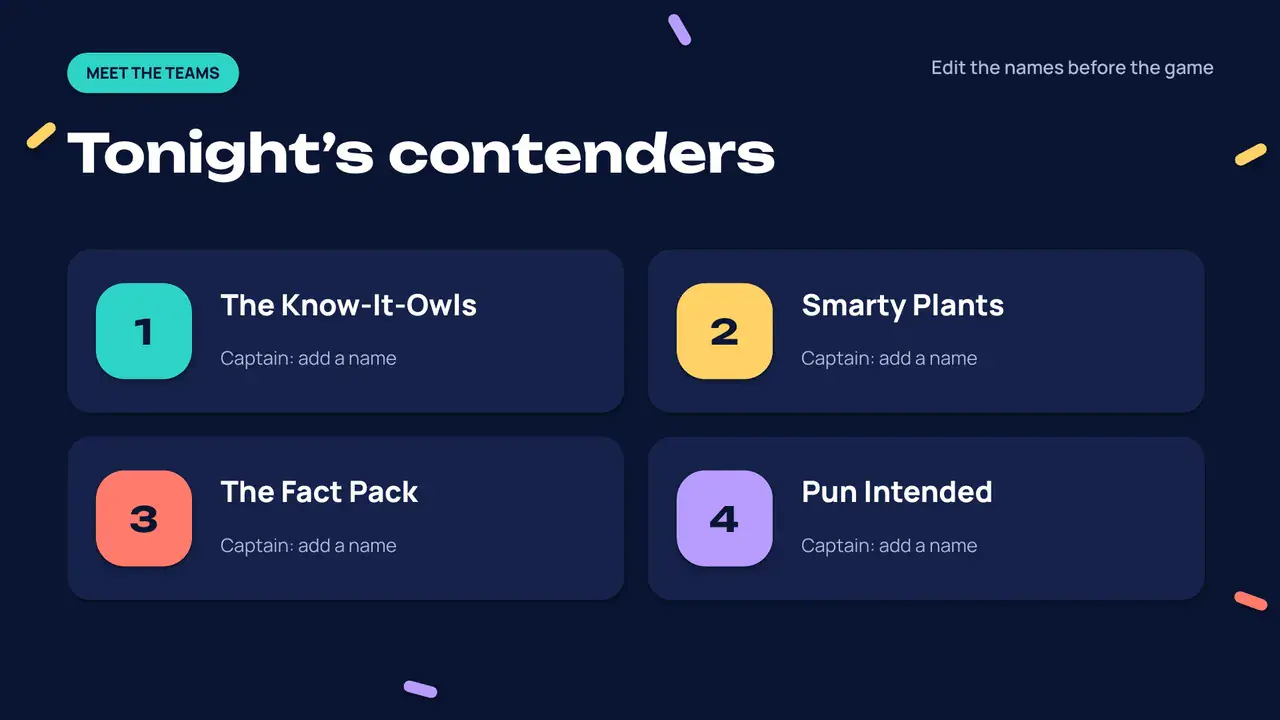
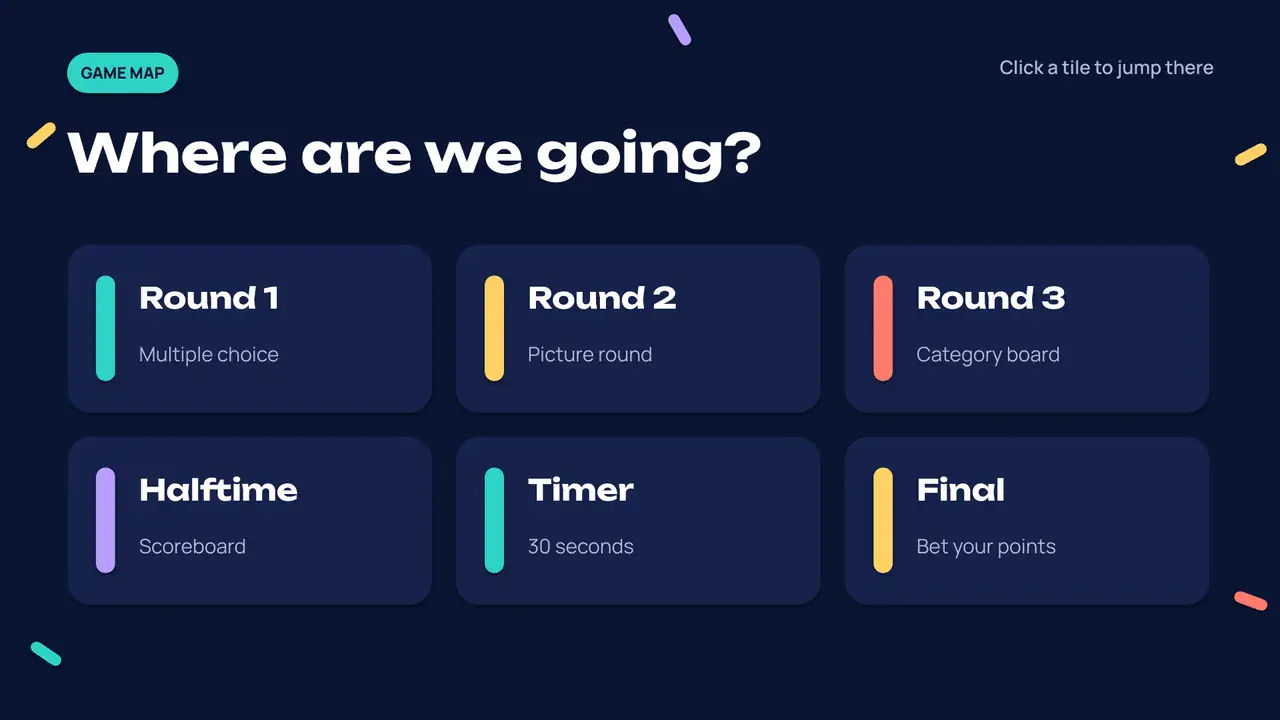
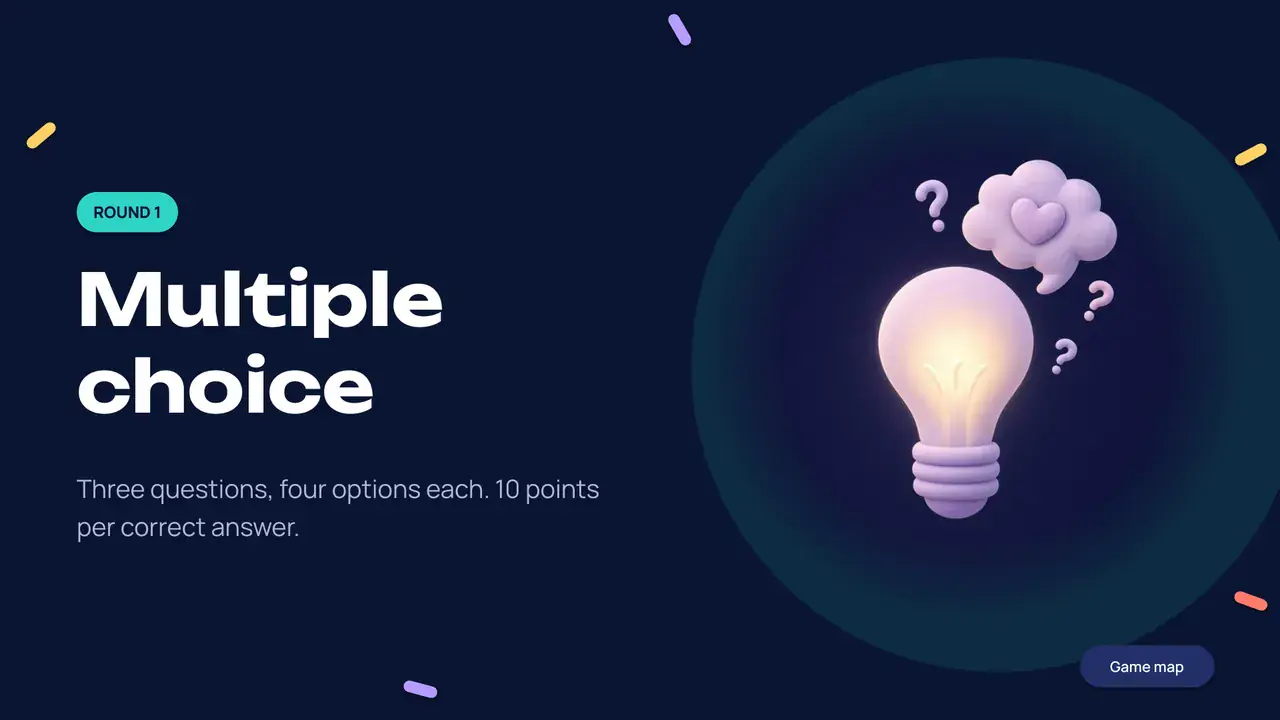
Three rounds, a board and a podium.
Every question comes as a pair: the question slide, then the answer slide with click reveals. Rendered from the real file.
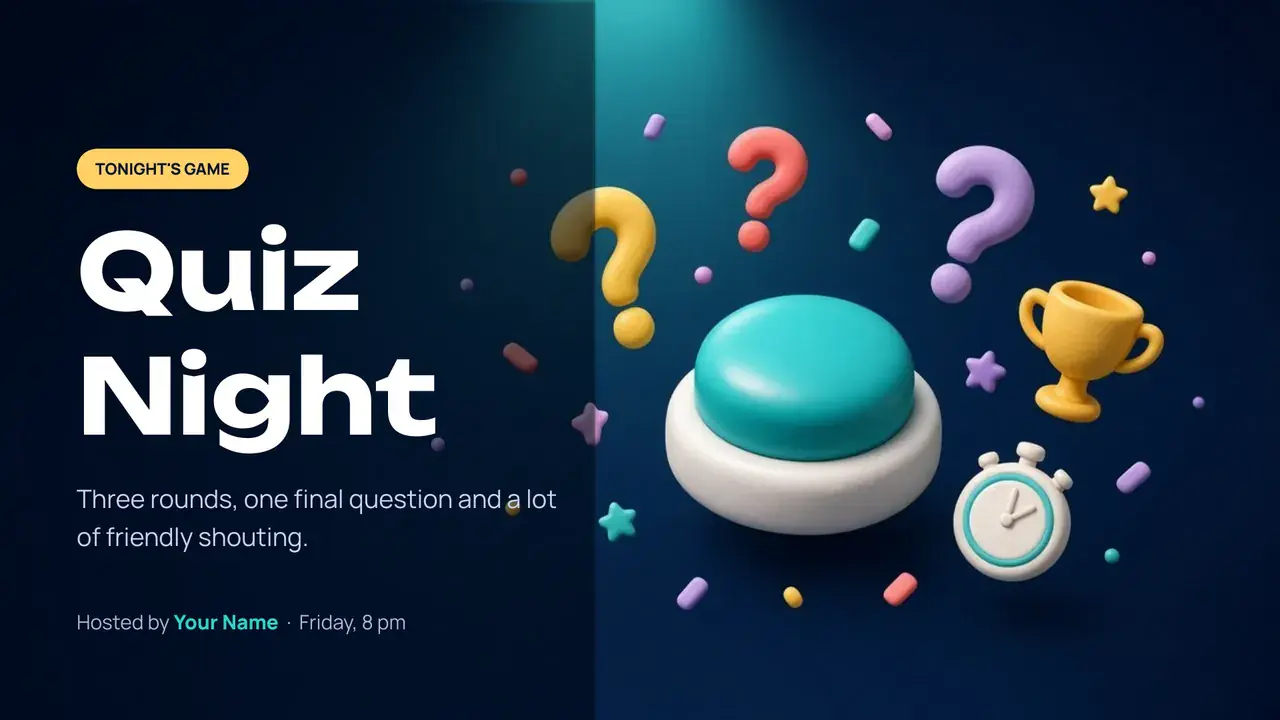
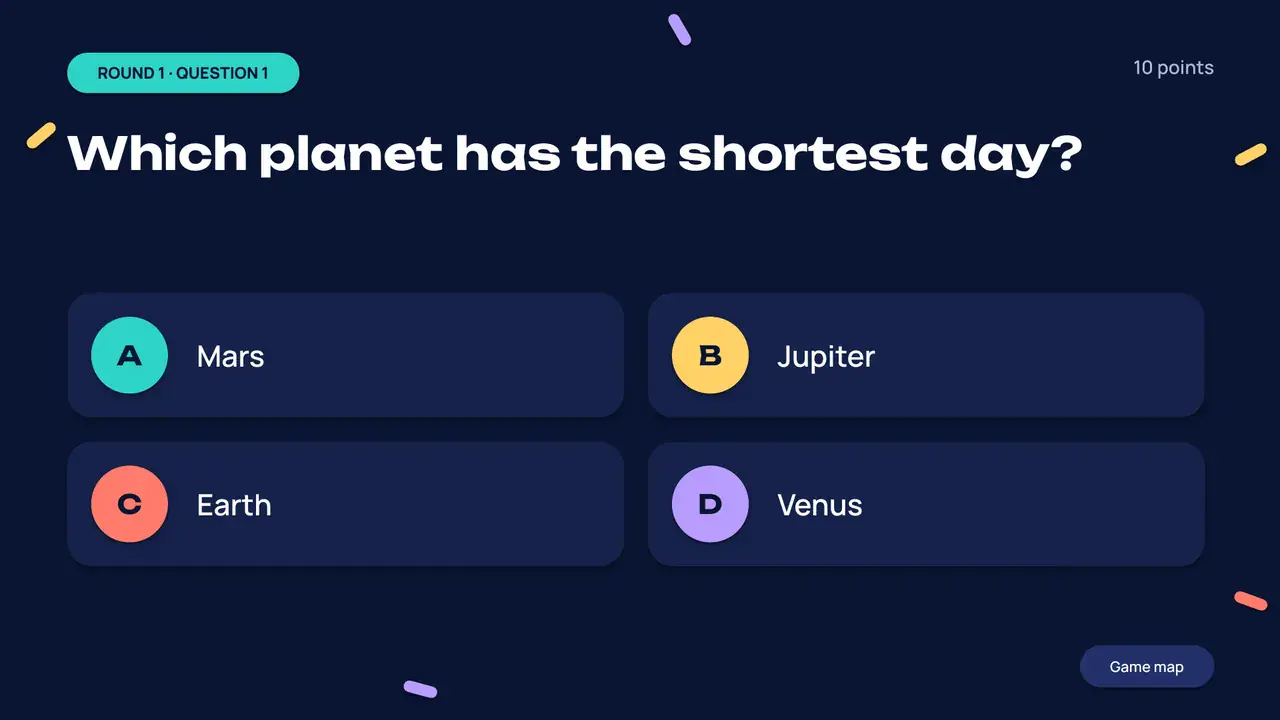
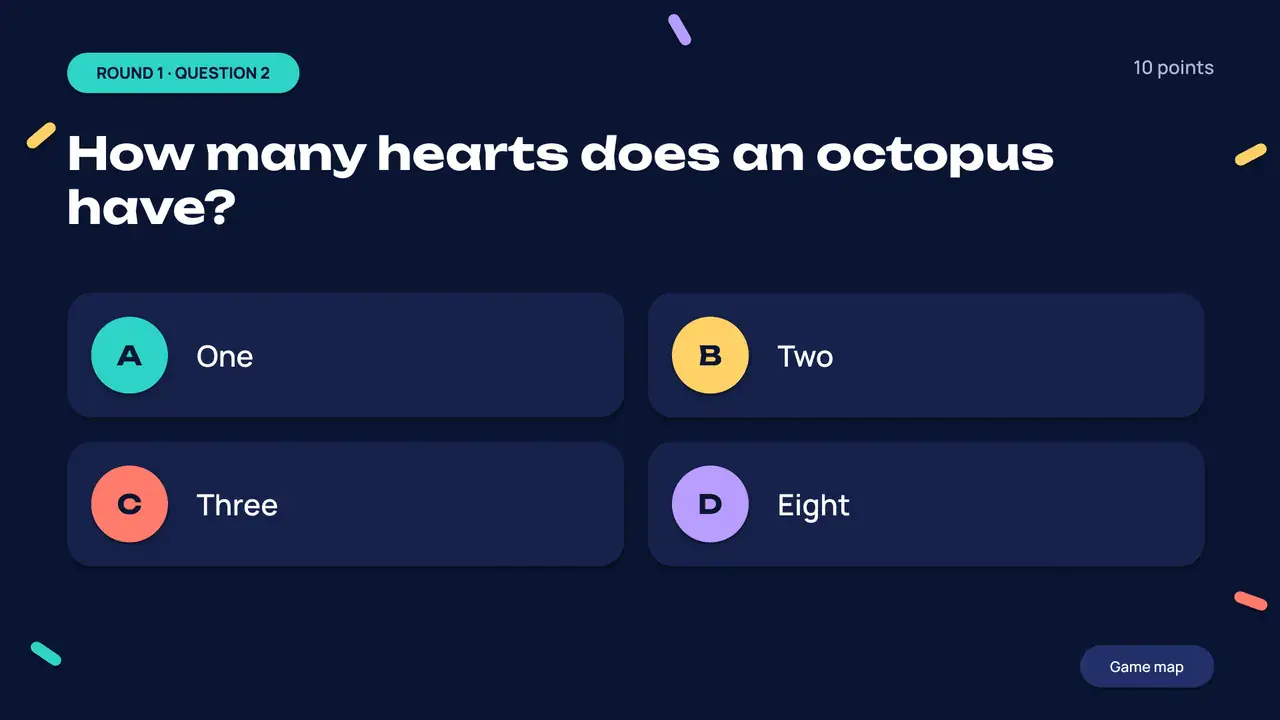

1 of 30 Title: quiz name, host and date
Built for a real night with friends.

Click to reveal
Answers light up with a ring and a “Correct” tag, then the fun fact. All on clicks, no macros.
Linked category board
Six tiles link to their questions; each question has a “Back to board” button.
A 30-second timer
One click and the bar wipes away, then “Time’s up!” appears. Change the time in the Animation pane.
Picture round
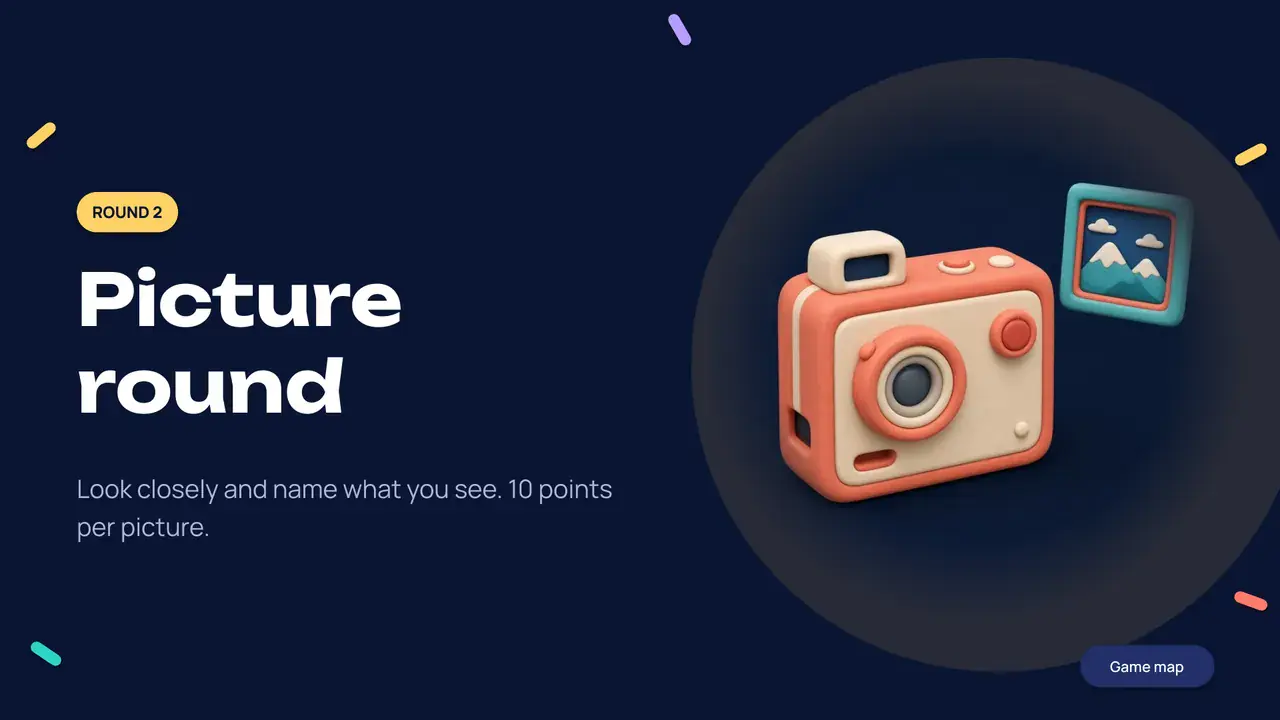
Three picture questions. Right-click any picture and choose Change Picture to use your own.
Scores and a podium
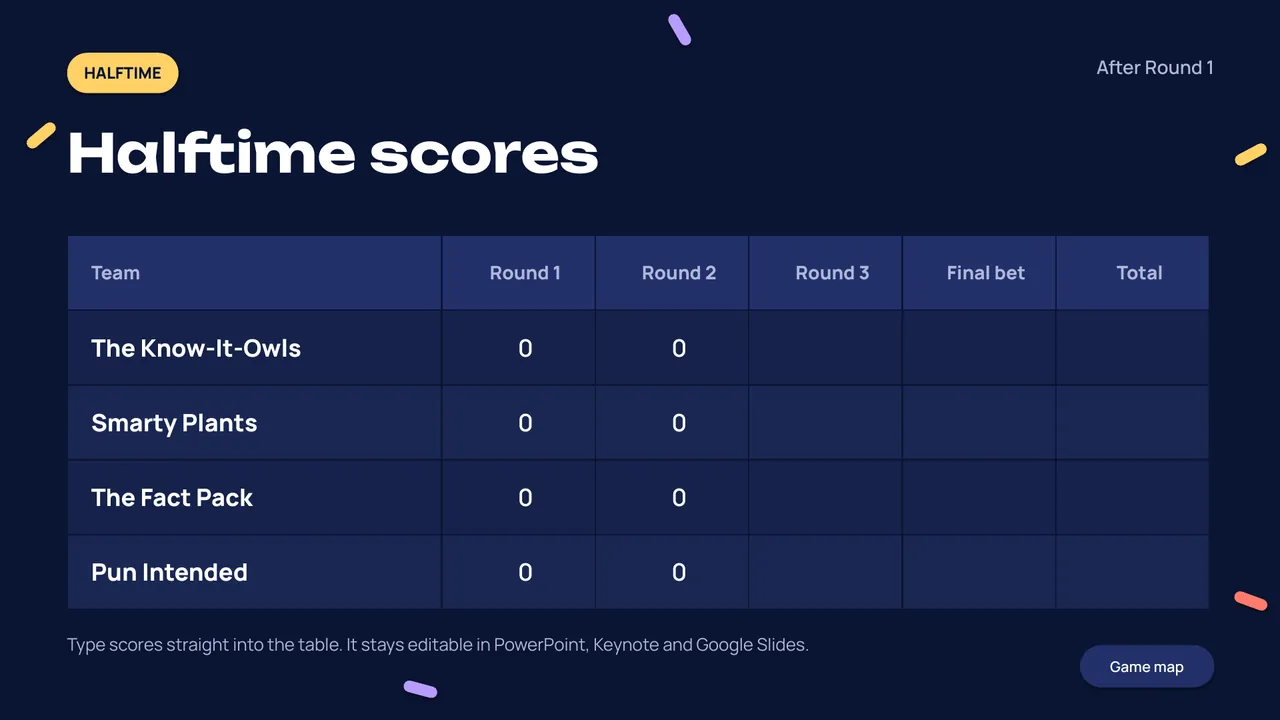
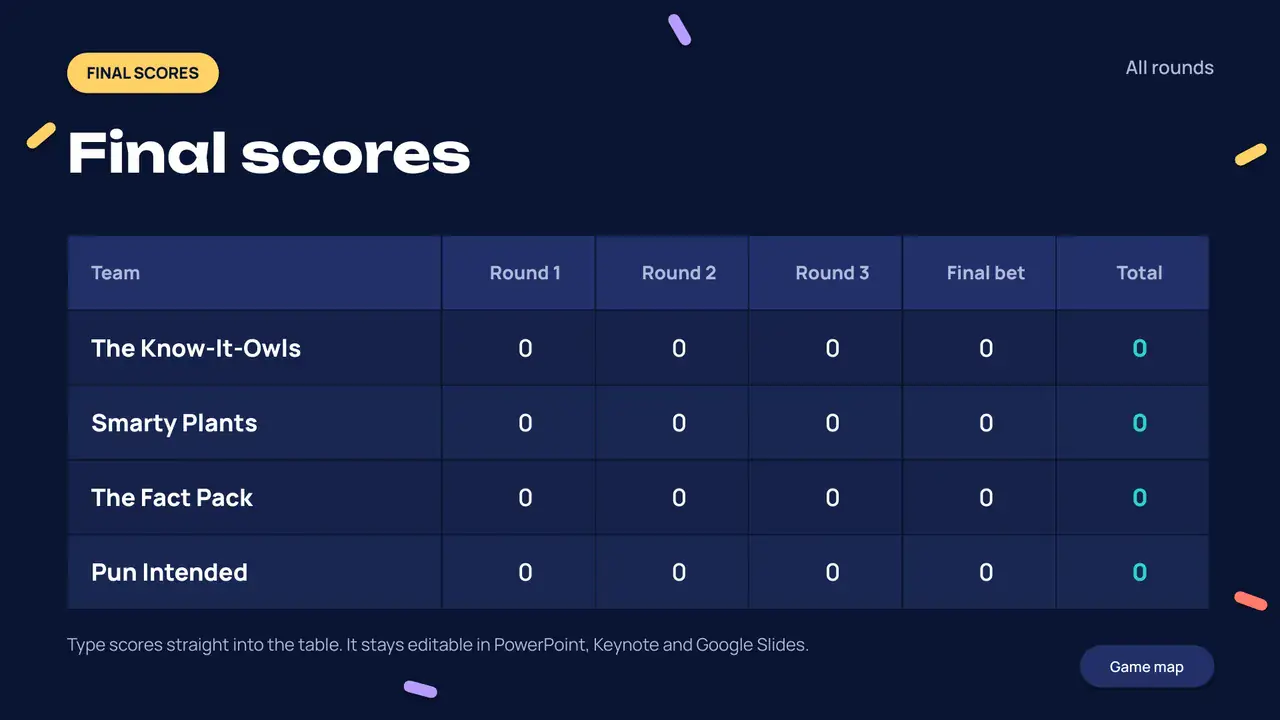
Editable halftime and final scoreboards, a wager question and a three-click winners podium.
30
slides, ready to edit
Plus a game map on slide 4, speaker notes with the answer on every slide, and a printable host PDF.
From download to first question.
- 1
Type your questions
Replace the sample questions and options. The answer slide right after each question has the same layout, so you copy and paste the text.
- 2
Present in Slide Show
Click to reveal answers. Use the Game map and the category board to jump around. Notes show the answer on your screen.
- 3
Keep score
Fill in the halftime and final tables, then click through the podium. Print the PDF as your answer sheet.
Good questions.
Something not working? Email us from the product page and we’ll help.
Which apps does it open in?
The .pptx opens in PowerPoint, Keynote and Google Slides (File → Import or upload to Drive). The slide links and the fonts carry over. Reveals and the timer use standard PowerPoint animations; Keynote and Google Slides convert animations on import and may simplify some, so run through the deck once before the night.
Do I need macros or add-ins?
No. Scores are plain editable tables and navigation uses ordinary slide links, so there is nothing to enable.
Can I write my own questions?
Yes. Every question, option, answer, team name and fun fact is a normal text box. Pictures swap with Change Picture. The sample trivia is general knowledge for you to keep or replace.
How do I add more questions?
Duplicate a question slide and its answer slide together, then edit the text. The Game map and board links stay in place.
Is the PDF the same deck?
Yes, all 30 slides with every answer visible. Use it as a host copy or print it. Your edits only show up in a new PDF if you export one.
Which fonts does it use?
Unbounded and Manrope, both free under the SIL Open Font License. The font files and licenses are in the download; install them before editing.
Your next quiz night is 30 slides away.
Pay what you want, from €0. Editable .pptx, host PDF and fonts in one download.