Designing controls people trust
What hardware panels teach us about feedback, affordance and the value of a satisfying click.
Sel Marin
· 8 min read
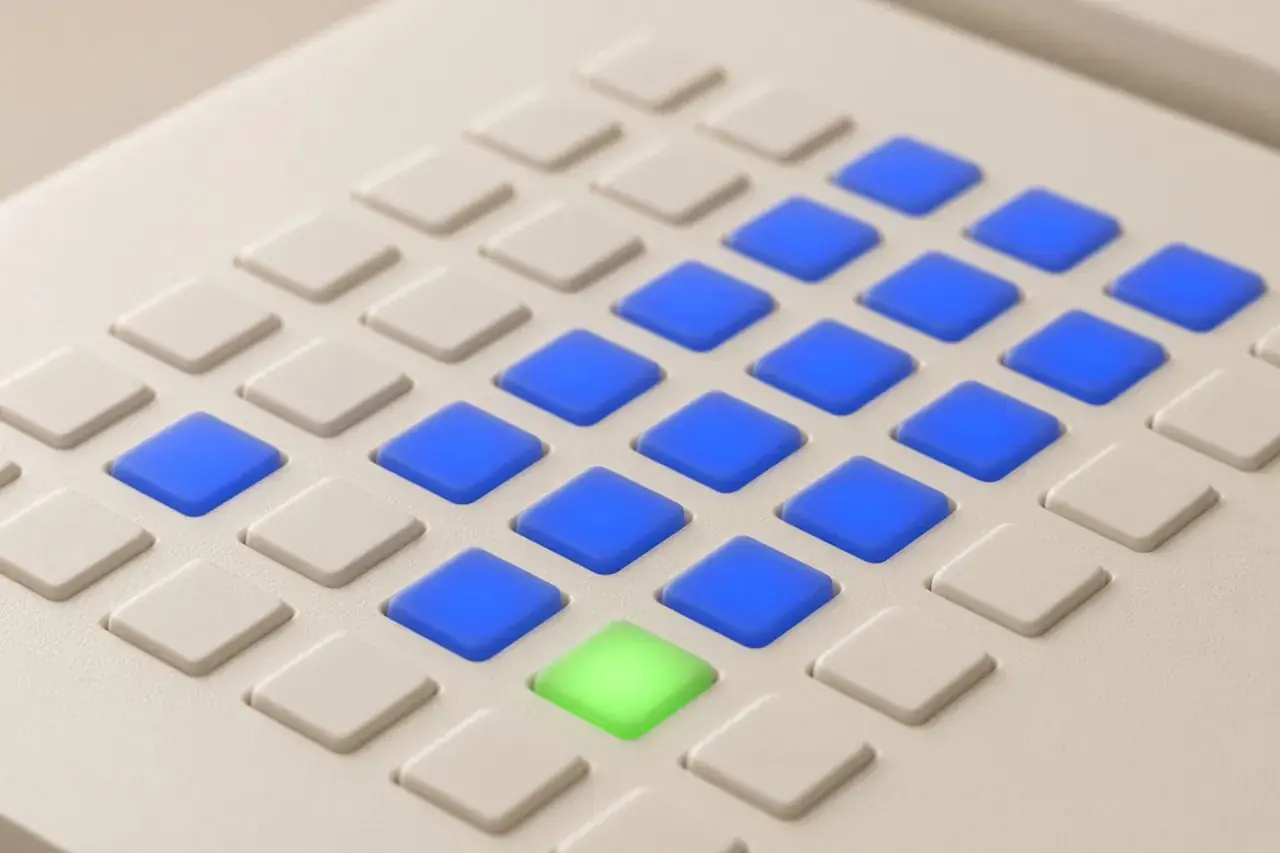
A good physical control tells you three things before you touch it: what it does, what state it is in, and how far it can go. Screens tend to forget at least one of those.
Feedback you can feel
When a key travels a millimetre and stops, you know the press registered. On screen we fake that with a one-pixel shift and an inset shadow. It sounds trivial, but it is the difference between pressing and tapping and hoping.
A control that hides its state is a control people stop trusting.
State is a light, not a guess
Hardware uses LEDs because they are unambiguous: on or off, green or red. We pair every light with a text label so colour is never the only signal, and the contrast holds up in both themes.
Rule of thumb
1 control = 1 function = 1 visible state
Range you can see
A knob with a tick ring shows the whole range at a glance. Our rotary control draws its value as a lit arc and exposes the same number to assistive technology through aria-valuetext.