@pocket.planner
Pop style · sample

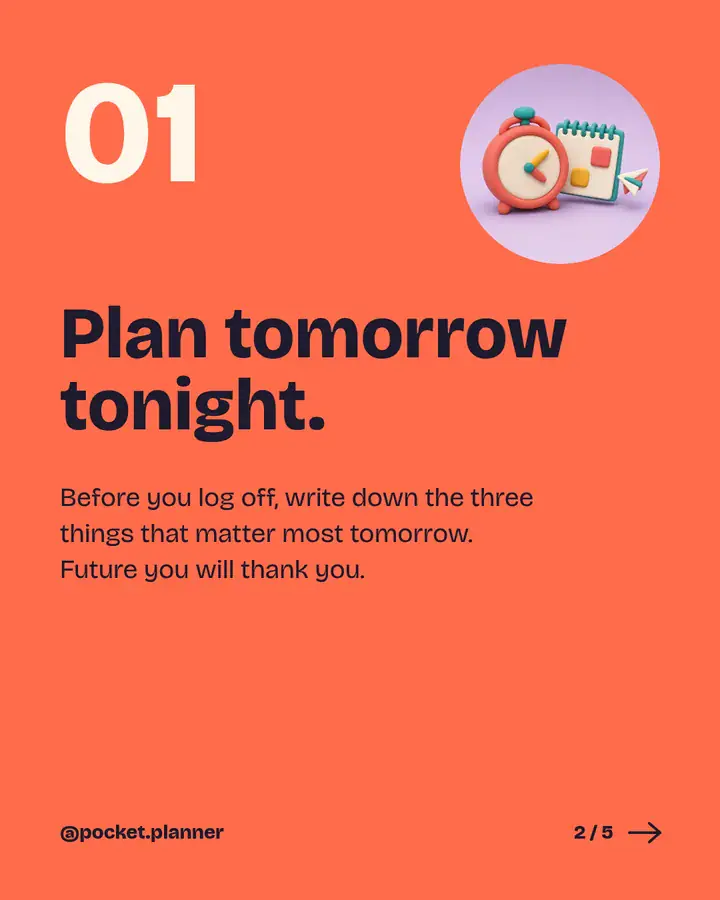
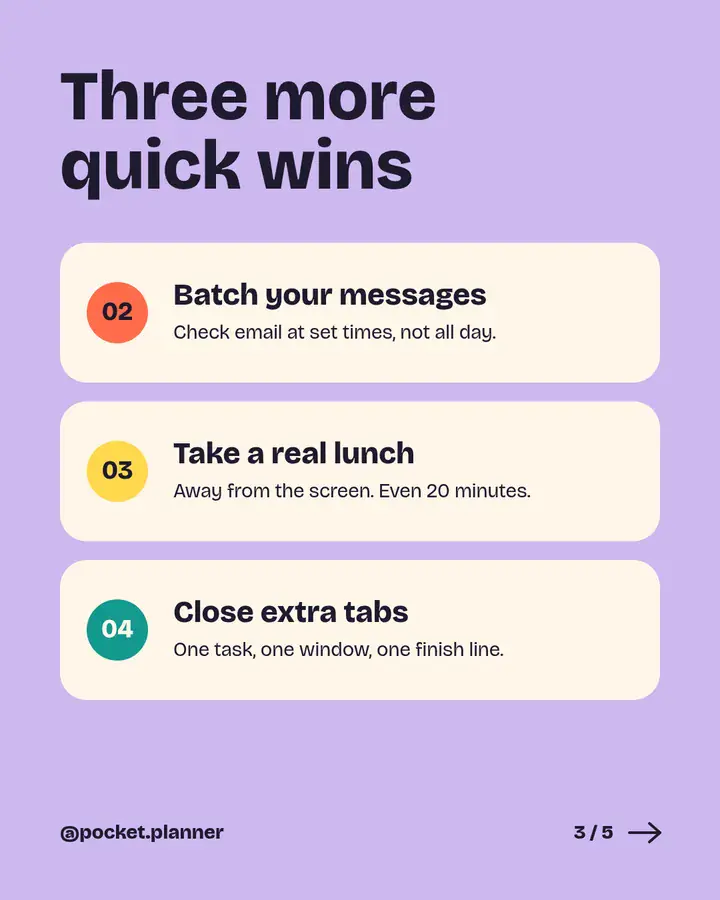


LinkedIn + Instagram carousels
20 ready-made slides in 4 styles, each a full five-slide story: cover, ideas, payoff and call to action. Edit them in Canva, Google Slides or PowerPoint, then post.
@pocket.planner
Pop style · sample
Swipe, drag or use the arrows
The styles
Every slide comes in portrait 4:5 and square 1:1. Pick a style, then flip through it.
Style 1 of 4
Bold color blocks, chunky type and playful 3D objects. Made for tips, habits and how-tos.
Palette
Style 2 of 4
Magazine-style serif headlines, warm neutrals and quiet photography. Made for essays and thought leadership.
Palette
Style 3 of 4
Off-white space, one cobalt accent and big numbers. Made for frameworks, steps and data.
Palette
Style 4 of 4
Deep navy, electric lime and glowing renders. Made for launches, checklists and tech news.
Palette
Live swipes
All four styles playing side by side, the way followers meet them. Hover to pause.
@pocket.planner
Pop style · sample
Pop · Bricolage Grotesque
The Slow Brand
Editorial style · sample
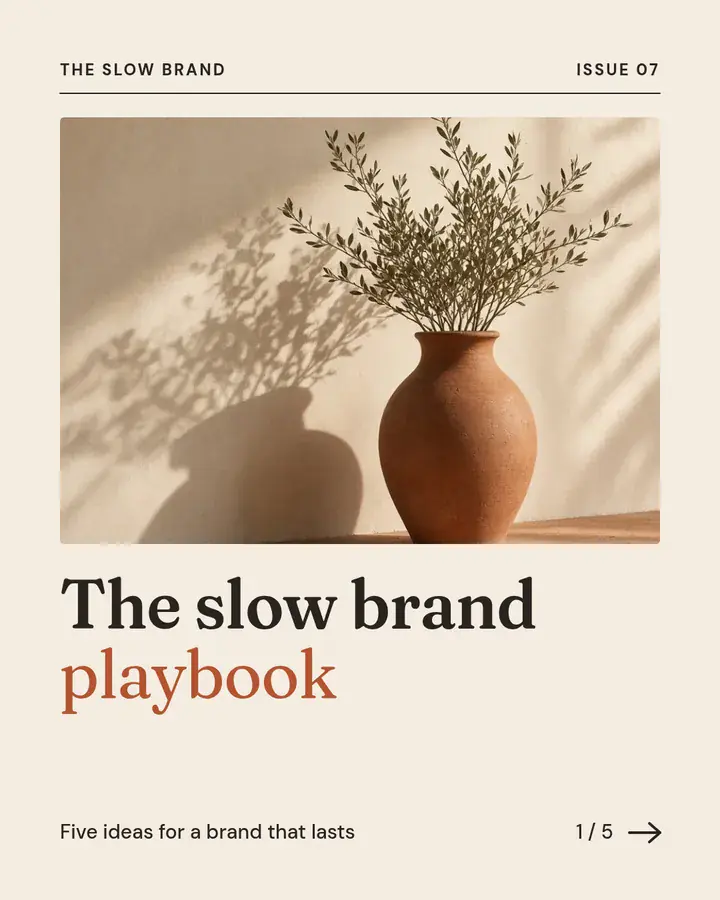
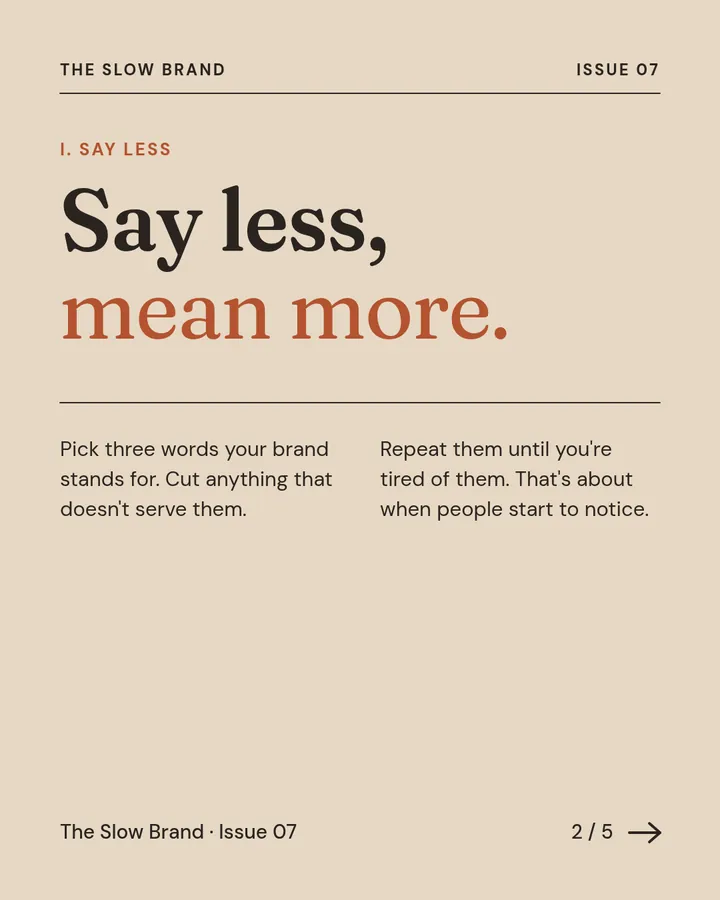
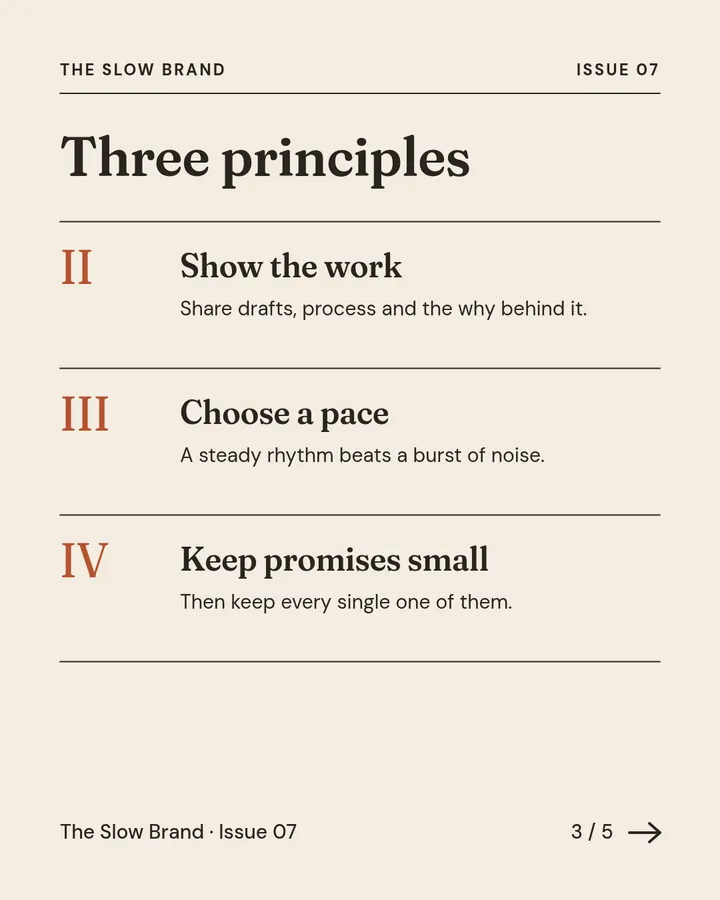
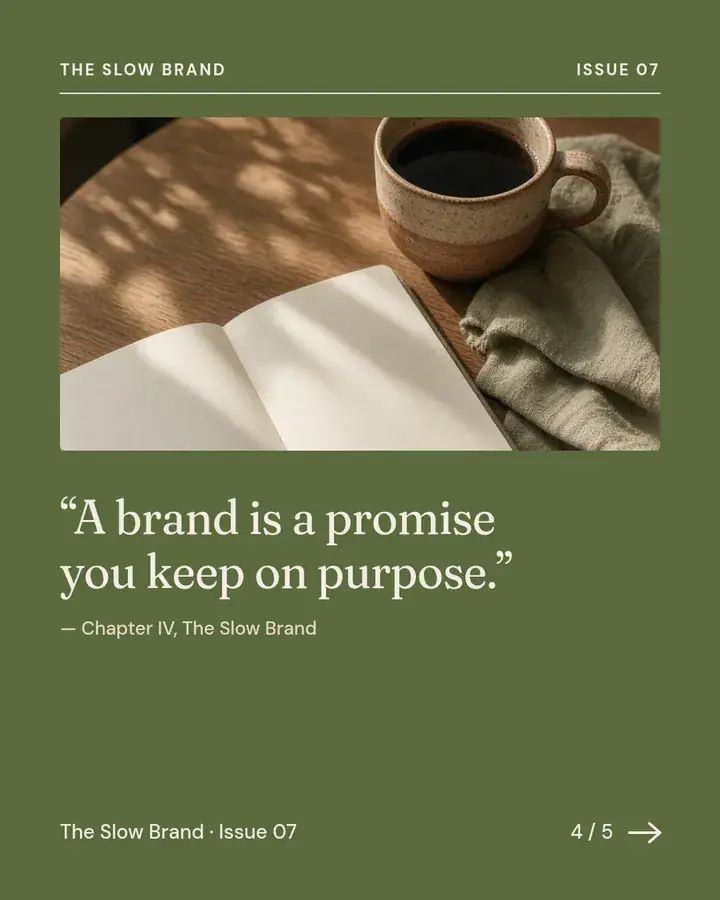

Editorial · Fraunces + DM Sans
@plainform.co
Minimal style · sample
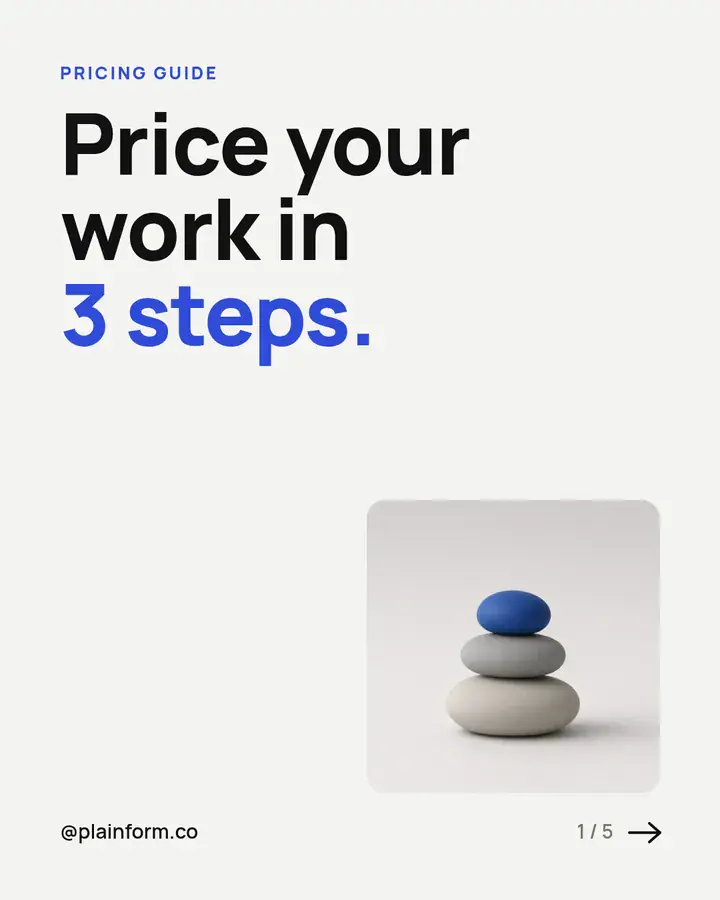
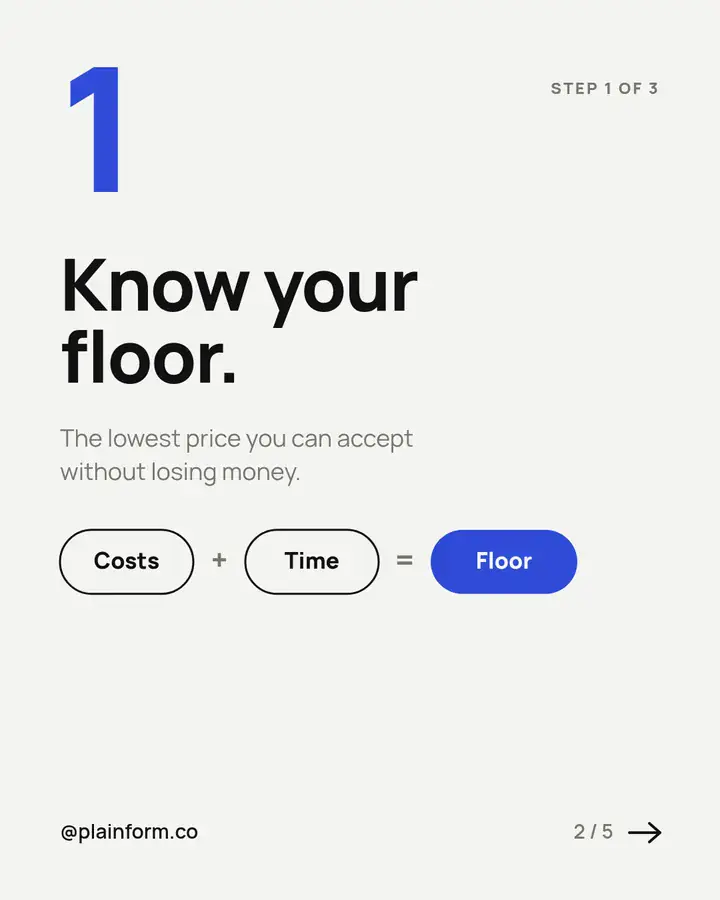
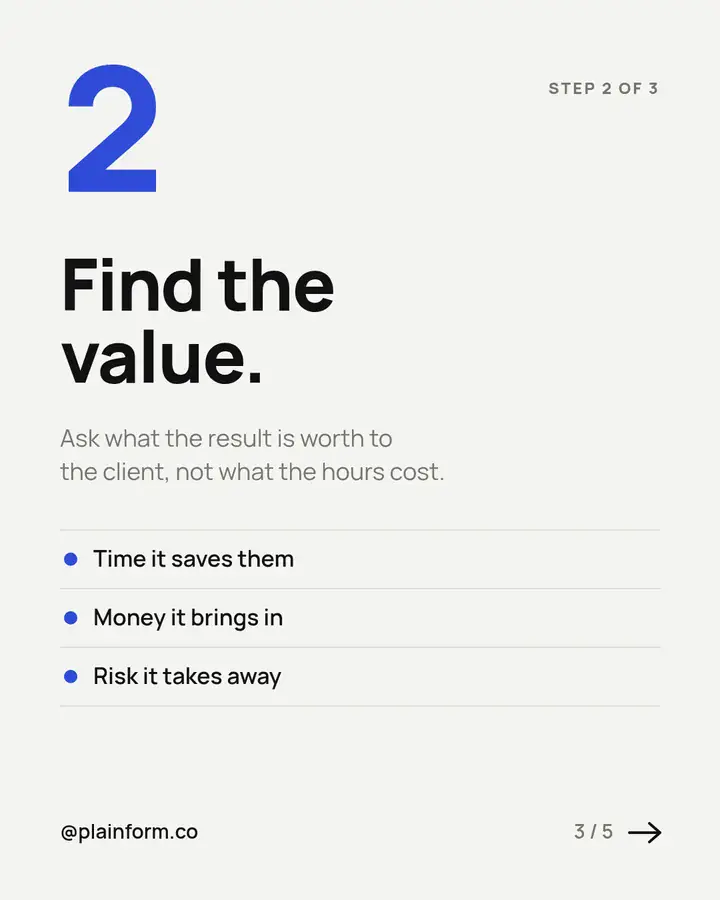
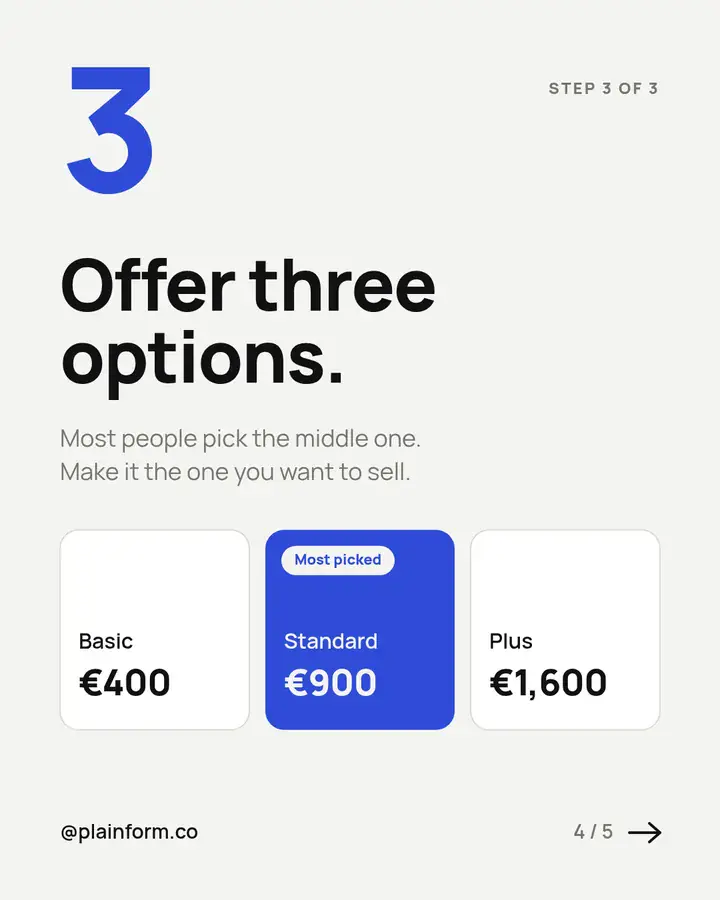
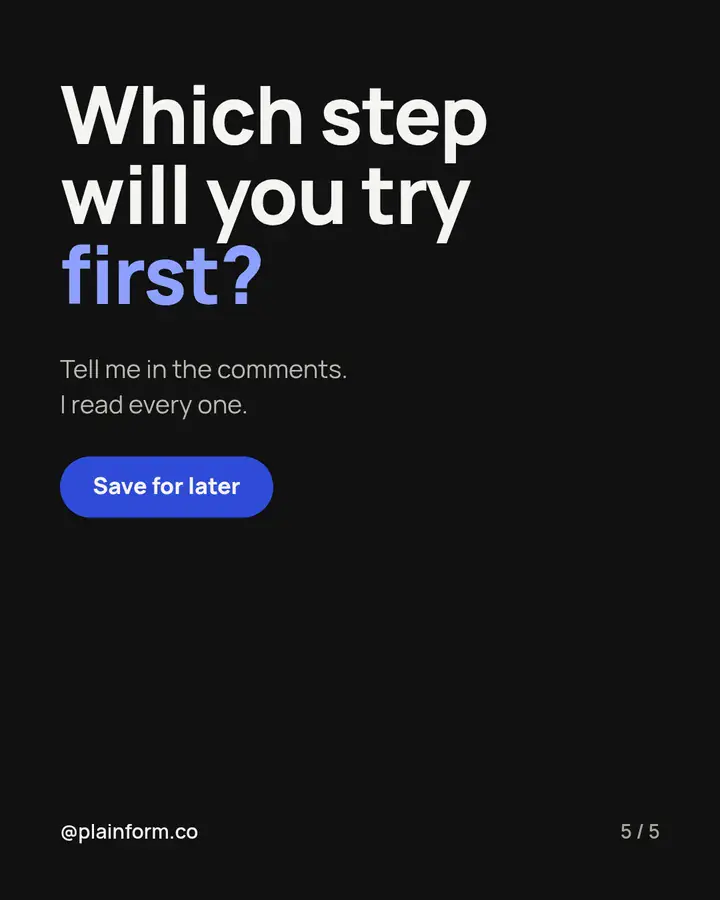
Minimal · Manrope
@launchroom.hq
Night style · sample

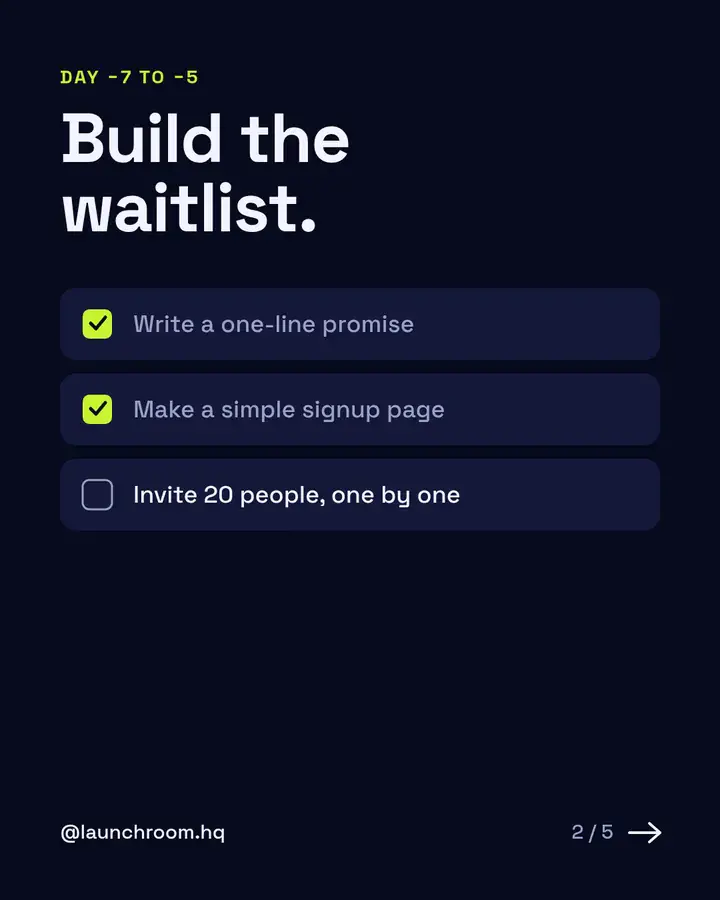
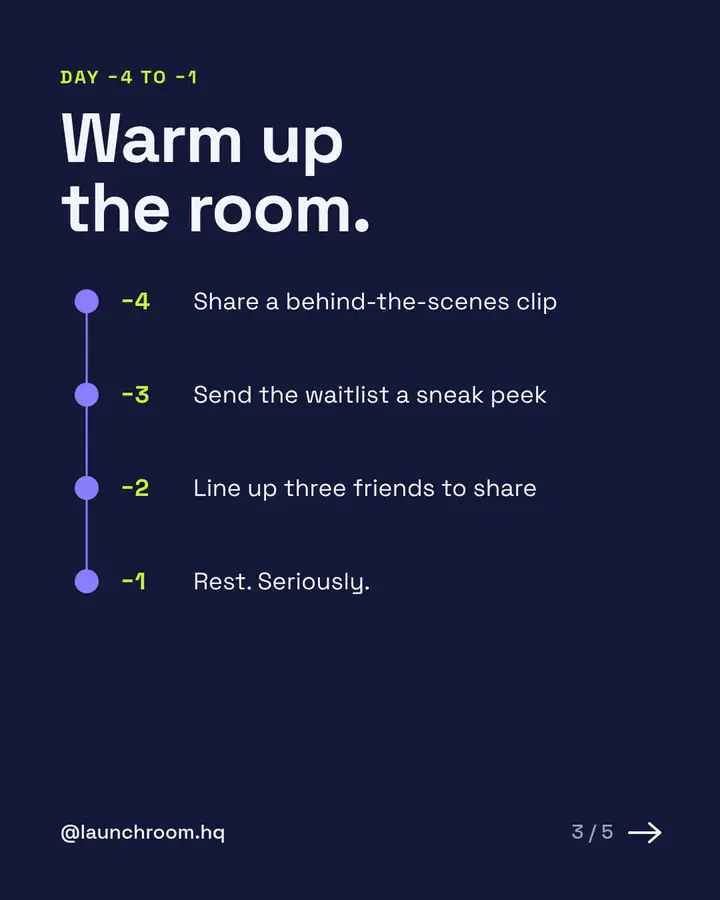


Night · Space Grotesk
All 20 slides
Each style tells a full story, so you can reuse the structure with your own topic.
Pop
Editorial
Minimal
Night
What's inside
Two decks (4:5 and 1:1), 20 slides each. Live text and swappable photos. Open in PowerPoint or Keynote, or import into Canva or Google Slides.
40 files with named layers: Background, Shapes, Images, Text. Text stays live. Opens in Inkscape, Illustrator and other vector editors.
40 images at 1080 × 1350 (4:5 portrait) and 1080 × 1080 (1:1 square). Upload the sample slides as they are or use them as a reference.
Bricolage Grotesque, Fraunces, DM Sans, Manrope and Space Grotesk as TTF files, each with its SIL Open Font License.
Open the deck for the size you need (4:5 or 1:1) and keep the five slides of one style. Delete the rest.
Type over the sample copy. Replace a photo with right-click → Change picture (PowerPoint) or Replace image (Canva and Google Slides).
Export the slides as PNG, or as a PDF for LinkedIn document posts, and upload them in order.
FAQ
The PPTX decks open in PowerPoint and Keynote and can be imported into Canva and Google Slides. The SVG files open in vector editors such as Inkscape and Illustrator. The PNG files work anywhere.
For the closest match, yes. Install the TTF files from the fonts folder before opening the PPTX or SVG files. All five families are free Google Fonts, so Google Slides may already list them under More fonts. Canva needs a plan that allows font uploads; otherwise pick a similar Canva font.
Yes. The 3D renders and photos were generated for this kit and are included for use in your posts. Swap them for your own images any time.
No. Pocket Planner, The Slow Brand, Plainform and Launchroom are fictional, and so are their handles. Replace them with your own.
No. The slide sizes follow the common 4:5 and 1:1 feed formats. Carousel Party isn't affiliated with or endorsed by LinkedIn or Instagram.
PPTX, SVG, PNG and fonts in one download. Pay what you want.
Get Carousel Party